TIMESHEETS

Timesheets that close payroll faster

Online timesheet software where time entries build themselves from verified clock-ins and labor cost is tracked as you go. Payroll closes in days, not weeks.

HOW IT WORKS

From clock-in to closed payroll

Timesheets fill in from verified clock-ins, flag exceptions and go out for e-signature approval. No spreadsheets.

01

Automated Time Entries

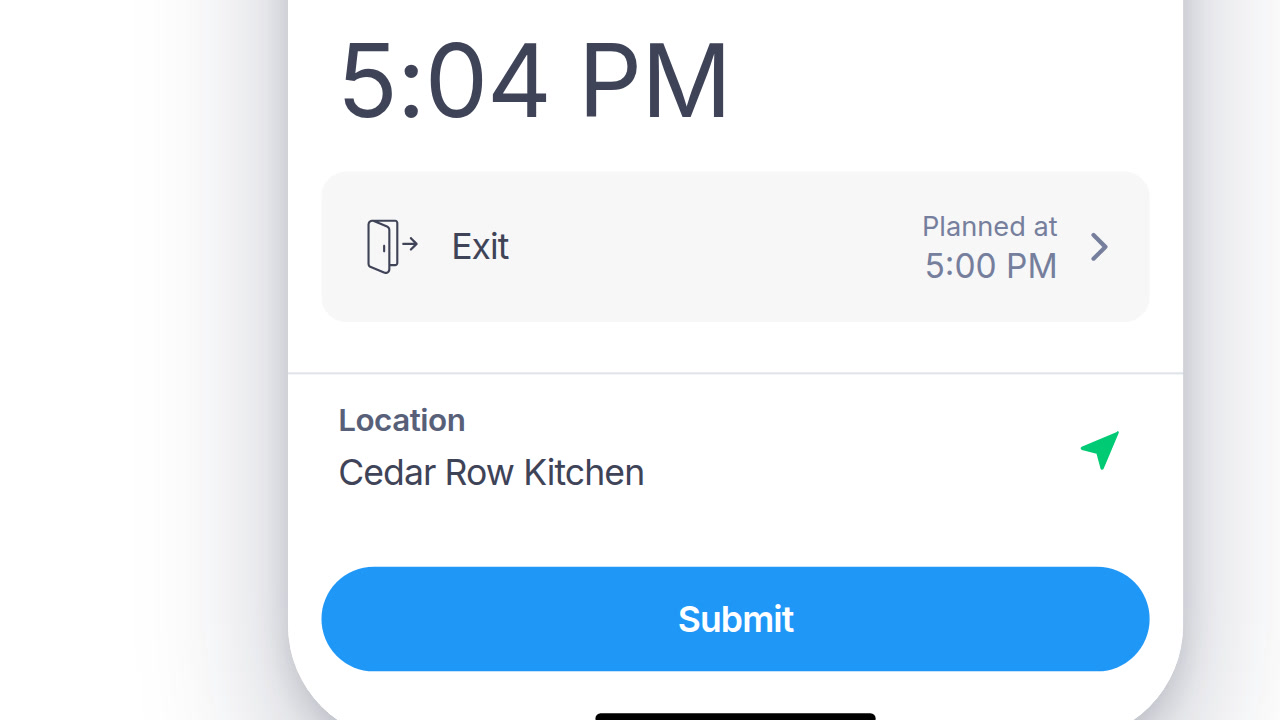
Timesheets build themselves from verified clock-in and clock-out data.

  • ✓ Built from clock-in and clock-out, not typed in
  • ✓ Breaks and overtime calculated automatically
  • ✓ Missing data flagged, not silently zeroed
  • ✓ One record, from first punch to final total

02

Project & Job Costing

Allocate hours to projects or cost centers for accurate billing and budgeting.

  • ✓ Hours allocate to a project, client, or cost center
  • ✓ Billable and non-billable hours split automatically
  • ✓ Budget vs. actual, visible before the invoice
  • ✓ Rates set once, applied to every hour logged
03

Exception Flagging

Catch missed punches, unapproved overtime, and gaps before payroll runs.

  • ✓ Missed punches caught before payroll runs
  • ✓ Unapproved overtime flagged, not paid by default
  • ✓ Gaps between schedule and clock-in surface fast
  • ✓ Every exception routes to a manager, not a report
04

Timesheets that don't hold up payroll

Managers approve, employees e-sign, and the whole record exports to your payroll system with its full history attached.

  • ✓ E-signature approval built in
  • ✓ Direct export to your payroll system
  • ✓ Full audit trail on every timesheet
DIG DEEPER

Around the timesheet

The workflow tools around the timesheet, not just the timesheet itself.

RECORDS THAT HOLD UP

Every timesheet holds up on its own

What was recorded, who approved it, and what changed along the way.

01

E-signature, not just an approval click

Employees and managers sign the timesheet itself, with a record of who signed and when.

02

Corrections stay visible

An edited entry keeps its original value on record, next to the correction.

03

Approval isn't one step

Manager approval and payroll export are separate actions, so nothing ships without both.

04

Every export is itself on the record

Who exported which period to payroll is logged alongside the timesheets themselves.

PAYROLL AND HR SYSTEMS

Approved hours, sent where payroll runs

No re-keying hours into ADP, SAP, or Workday by hand.

SAP SuccessFactorsADPWorkdayOraclePapaya Global
See all integrations
BEYOND PAYROLL

The billing side of the same data

For teams that need to invoice a client, not just run payroll.

A separate log for project time

For teams billing by the hour, a weekly calendar tracks time against tasks and projects, separate from the automatic payroll timesheet.

A rate card for billable work

Different roles or services can carry different hourly rates, all defined in one place.

Clients get their own directory

Track contact, manager, and linked job sites for every client separately from your employee list.

Job sites, not just job titles

Client-specific work locations for field service or on-site consulting teams.

Historical records survive employee turnover

Past timesheets and payroll periods stay accessible after someone leaves, not just while active.

Multi-language for every team

Timesheets and approval prompts appear in the employee's own language.

QUESTIONS

Online timesheets: common questions

Is Day.io's online timesheet software free for small teams?

Yes, for up to 10 employees. Day.io's free plan needs no credit card and has no time limit, and employee e-signature on timesheets is included on every Day.io plan, the free one too.

Can I set overtime after 40 hours a week in Day.io?

Yes. Day.io's overtime rules can be set for hours over 40 in a week, hours over 8 in a day, weekends, holidays and night work. Day.io then applies the rules you set to every employee's hours.

Can Day.io send timesheet hours to my payroll provider?

Yes. Day.io exports hours as Excel or CSV files for an outside payroll provider or accountant, and it connects with payroll systems including ADP, SAP and Workday, so nobody retypes hours by hand.

Can office employees clock in from a computer instead of a phone?

Yes. Office employees can clock in to Day.io from the web app or from the Day.io browser extension for Chrome and Edge, and their hours land on the same timesheet as clock-ins from the iOS and Android apps.

Close payroll with fewer steps

Start free for up to 10 employees and run your next pay period from verified clock-ins. Want a walkthrough? Talk to a specialist.