VACATION & LEAVE

Vacation and leave management without the spreadsheet chaos

PTO and leave management software: set vacation policies by team or state, create your own leave categories and decide who approves what, all in one place.

LEAVE MANAGEMENT

Every leave type, with its own rules

Vacation, sick leave, parental leave or any category you create. Each one gets its own balance, fields and approval flow.

01

Configurable Vacation Policies

Set the day balance per policy, when it resets, and what happens to unused days or a negative balance.

  • ✓ See exactly which employees a policy covers
  • ✓ A distinct policy for each team or group
  • ✓ Negative balances allowed, capped, or blocked
  • ✓ New policies take effect on a chosen date

02

Custom Leave Categories

Beyond vacation, create categories like sick leave, unpaid leave or anything else, each with its own sub-categories and fields.

  • ✓ Add a new category without touching code
  • ✓ Each category tracks its own balance
  • ✓ Break a category into finer sub-types
  • ✓ Notifications can be tuned per category
03

Multi-Level Approval

Configure who approves each category, with multiple hierarchy levels and auto-approval when it makes sense.

  • ✓ Route through more than one approver
  • ✓ Add or remove approval levels anytime
  • ✓ Approval chain adjusts by category
  • ✓ Every approval step timestamped
04

Your whole team, every absence, one calendar

Filter requests by employee, date range, category or status, and approve them from the dashboard. No switching systems.

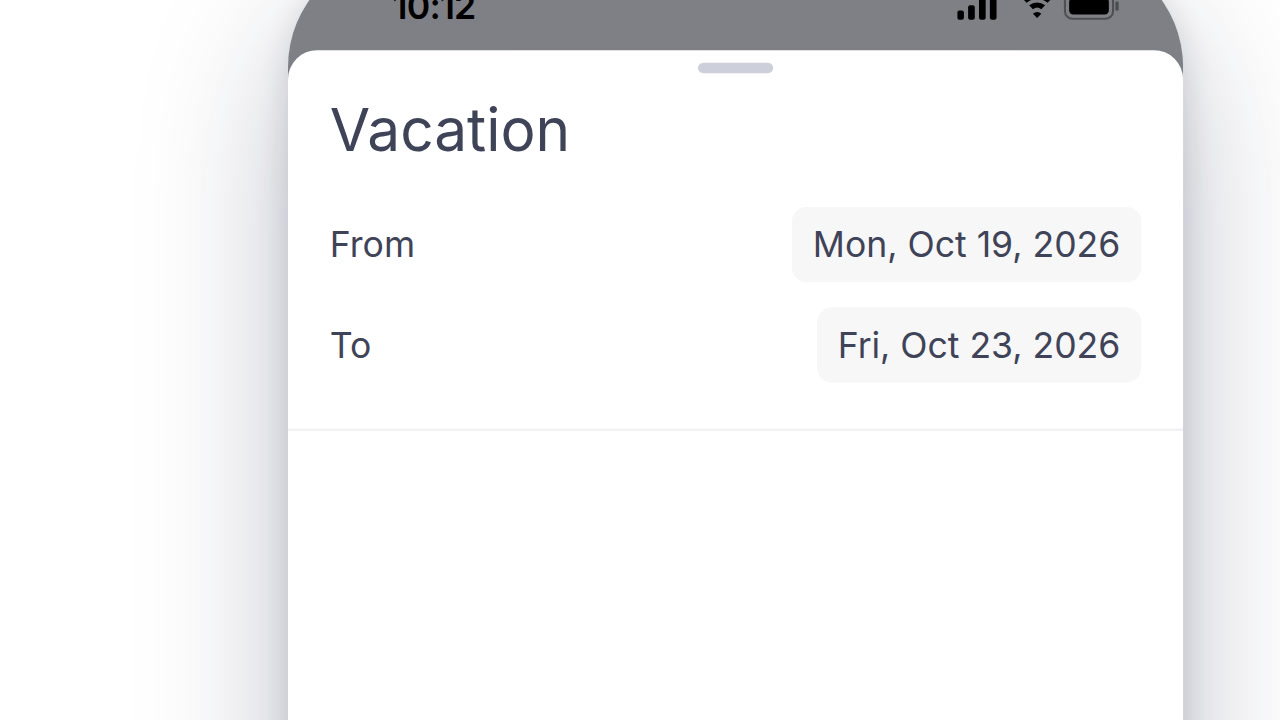
  • ✓ Employees request vacation and leave right from the app
  • ✓ Mandatory or optional attachments and comments, set per category
  • ✓ Automatic calculation of business days, holidays, and weekends
DIG DEEPER

The policy details

The policy details that make leave management actually match how your company works.

POLICY RULES AND RECORDS

Documentation ready before anyone asks

Every policy, category and approval leaves a record, ready if anyone asks.

01

Not every category asks for the same thing

Require a doctor's note for extended sick leave, or a comment for unpaid leave. Set it per category, not one form for everything.

02

A distinct policy per state or location

Build a separate leave policy for each state or location that needs its own accrual rate, cap, or carryover rule.

03

Balance history, not just a current number

See how a balance was earned, used and adjusted over time, not only today's total.

04

Every approval logged with who and when

Multi-level sign-off keeps a timestamped record of every approver in the chain, not just the final yes.

PAYROLL AND HR SYSTEMS

Approved leave, reflected in payroll automatically

Approved time off flows to ADP, SAP, or Workday without a manual adjustment.

SAP SuccessFactorsADPWorkdayOraclePapaya Global
See all integrations
BEYOND VACATION DAYS

One system for every kind of absence

Built for more than a single vacation bucket.

Bulk import existing balances

Bring over vacation and leave balances already on the books instead of starting every employee at zero.

Employees see their own balance, always

No need to ask HR. Current balance and pending requests show in the employee's own account.

Sub-categories within a category

Split sick leave into medical appointment, emergency or caregiving, without creating a new policy.

Policies scoped to a team, not the whole company

Different teams or employee groups can run under different vacation rules at the same time.

Negative balances handled your way

Decide whether a request that exceeds the balance is blocked, allowed, or flagged for review.

A home dashboard for what needs attention

Pending requests surface alongside other open items, so nothing waits on someone remembering to check.

QUESTIONS

PTO and leave management: common questions

Is Day.io's PTO and leave management free?

Day.io is free for up to 10 employees, with no credit card and no time limit, so a small team can set up its PTO and leave policies without paying. Teams larger than 10 employees move to a paid plan.

Can I set different PTO policies by state or team in Day.io?

Yes. Day.io has its own rules engine that can model any labor or pay rule, so you can give each state, location or team its own PTO and leave policy instead of one rule for the whole company.

Can a manager see time off only for their own team in Day.io?

Yes. Day.io custom roles can be scoped to a team, a department or the whole company, so a manager sees leave requests and balances only for the people they're responsible for. Custom roles are on every plan.

Can I manage PTO for more than one company in one Day.io account?

Yes. Every Day.io plan lets you run several companies in one account, so an owner with two businesses can keep each company's PTO and leave policies apart without opening a second account.

Move time off out of the spreadsheet

Start free for up to 10 employees and set up your first vacation policy. Want help with your rules? Talk to a specialist.