TIME & ATTENDANCE

Clock-ins your team can't fake

A time clock app that stops buddy punching with facial recognition, GPS and device checks. It runs on the phones and tablets you already own, so there's no kiosk hardware to buy.

HOW IT WORKS

Anti-fraud time tracking, built in

Every clock-in is checked in real time, so your labor data is accurate from the first punch to the final payroll export.

01

Facial Recognition

Matches each face on the mobile app and the tablet kiosk, so nobody clocks in for a coworker.

  • ✓ Facial recognition on both the mobile app and the tablet kiosk
  • ✓ Clock-in channels switched on per employee
  • ✓ Kiosk mode with a configurable access ID for shared devices
  • ✓ The match result is stored with the punch, not just checked at capture

02

GPS & Geofencing

Confirm employees are clocking in from an approved location, every time.

  • ✓ GPS restriction per location, or punches allowed from anywhere
  • ✓ IP-address verification as the alternative where GPS is unreliable
  • ✓ The captured location stays on the record for later review
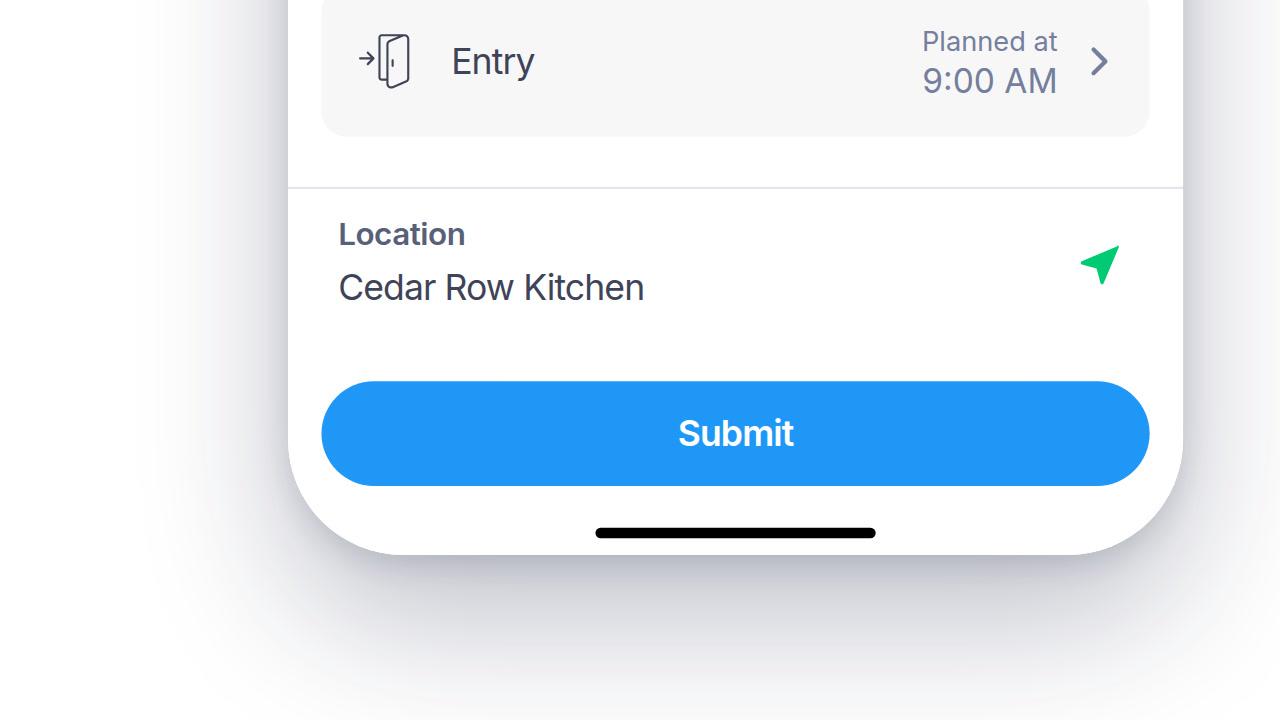
  • ✓ Entry, exit, break start and break end each carry their own location
03

Offline Clock-ins

Keep tracking time with no connection, then sync automatically once it's back.

  • ✓ Punches continue on the mobile app and the kiosk with no connection
  • ✓ Queued records sync automatically once the connection returns
  • ✓ The original capture time is kept, not the time it synced
  • ✓ An offline punch carries the same validation result as an online one
04

Timesheets that hold up under scrutiny

Every entry keeps its full history and an e-signature. If an employee or the Department of Labor ever asks, you can show the hours you paid are the hours people worked.

  • ✓ Full audit trail on every entry
  • ✓ E-signature-backed timesheets included
  • ✓ Automatic overtime and break alerts
DIG DEEPER

What happens after the punch

The details that don't fit in three panels, but still save a manager time.

SECURITY AND RECORD-KEEPING

Every punch keeps its own record

What was captured, who touched it afterwards, and whether it passed validation.

01

Tamper-evident history

An edited punch never overwrites the original. The correction is stored next to it, with who made it and when.

02

Device-level provenance

Each record carries the UUID, brand, model, app version and OS of the device that produced it.

03

Validation result, stored

Whether facial recognition, GPS and IP each passed is kept with the punch, not just at the moment of capture.

04

Scoped access

Each role sees only the people, teams or locations it's scoped to.

PAYROLL AND HR SYSTEMS

Hours land where payroll already runs

Approved totals export to the system you already use, in the shape it expects.

SAP SuccessFactorsADPWorkdayOraclePapaya Global
See all integrations
DEVICES AND MIGRATION

It fits what you already run

Including the devices you already have and the years of records behind them.

Any device, including the ones you own

Employee phones, a shared tablet as a kiosk, or the web, all in one account.

A fleet you can actually see

One list of every registered kiosk and tablet, with last-sync status, so you know what is offline before an employee tells you.

Bring your punch history with you

Import records from a third-party or legacy clock instead of leaving years of history behind.

Device management per person

Registration is per employee, so revoking a lost phone is one action, not a fleet-wide job.

Clock in from wherever they already work

A browser extension for clocking in from any web page, alongside the mobile app, the kiosk and the web dashboard.

Exports shaped for payroll

Clock-in and check-in reports, and payroll exports mapped to the system you already run.

QUESTIONS

Time clock app: common questions

Is Day.io's time clock app free?

Day.io's time clock app is free for up to 10 employees, with no credit card and no time limit. Employees clock in on the web, on iOS and Android phones, or on a shared tablet set up as a kiosk, so there's no time clock hardware to buy.

How does Day.io stop buddy punching?

Day.io stops buddy punching by matching each employee's face when they clock in on a phone or on the shared tablet kiosk. Employees who skip face registration use a PIN on the kiosk. Day.io also checks location by GPS, WiFi and Bluetooth at the moment of clocking in.

Does the Day.io app track employees' location all day?

No. Day.io checks location by GPS, WiFi and Bluetooth only at the moment an employee clocks in or out. The Day.io app does not track where employees go between those punches.

Does Day.io's time clock work without an internet connection?

Yes. Employees can clock in with Day.io when there's no internet connection, and the clock-ins sync to your account once the connection comes back. A weak signal on a job site or in a warehouse doesn't mean a lost punch.

Try it on the phones you already have

Start free for up to 10 employees, with no hardware to buy. Want a walkthrough first? Talk to a specialist.