FACIAL RECOGNITION

Fraud-proof clock-ins on the phones you already own

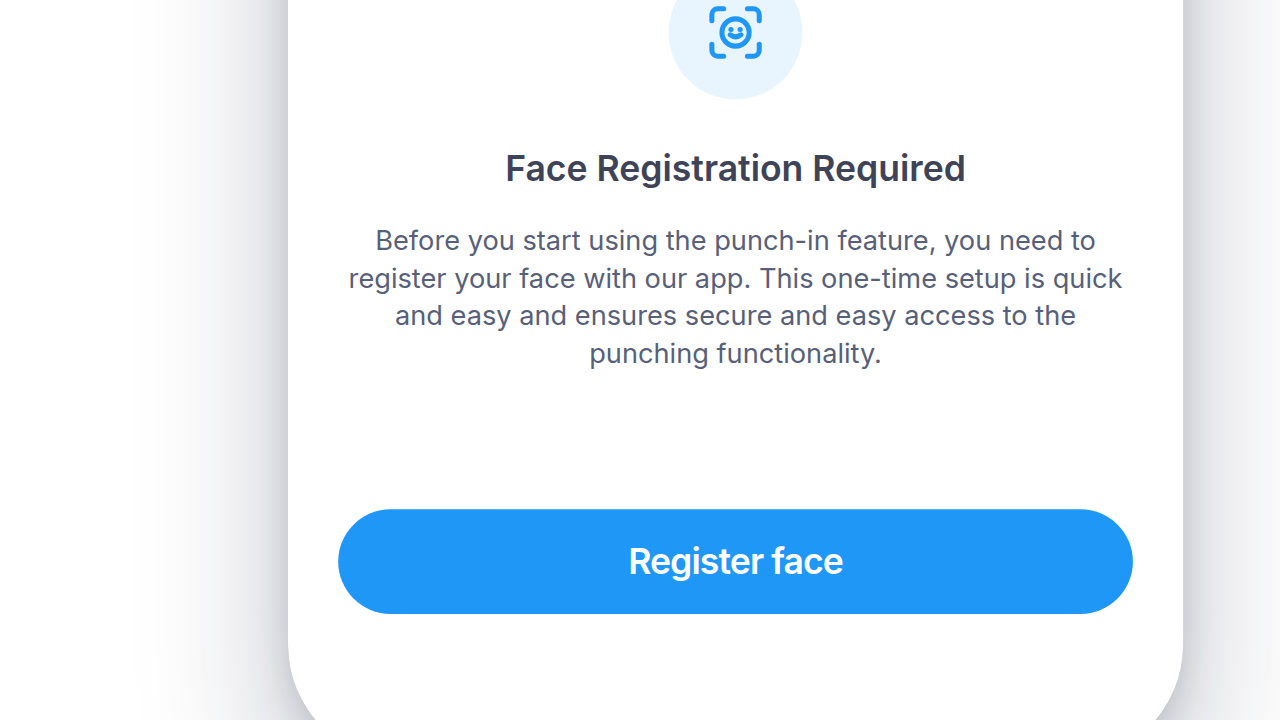
A facial recognition time clock that runs on the phones and tablets you already own. There's no kiosk to buy, and employees who'd rather not register their face can clock in without it.

HOW IT WORKS

Accurate matching, switched on per employee

Every clock-in is matched against the employee's enrolled face, right at the punch. A failed match goes to a manager to review.

01

Optional for Employees

Employees don't have to register their face. Anyone who skips it keeps clocking in with a PIN.

  • ✓ One enrollment, not a repeat prompt every shift
  • ✓ Clock-in channels set per employee
  • ✓ Turn it off for anyone, at any time
  • ✓ A face that isn't enrolled never matches

02

Face Matching

Checks the employee's face at every punch, so nobody clocks in for a coworker.

  • ✓ Matches in real time, right at the punch
  • ✓ A failed match goes to a manager, not a locked door
  • ✓ Same accuracy on a personal phone or a shared kiosk
  • ✓ A PIN stays available for anyone who skips facial registration
03

No Extra Hardware

Runs on the phones and tablets your team already carries. No special kiosk required.

  • ✓ Runs on the phones and tablets you already have
  • ✓ A dedicated kiosk still works if you want one
  • ✓ Mix phones, tablets and kiosks in the same account
  • ✓ Nothing to provision before a new hire's first punch
04

Stop buddy-punching without the hardware cost

Kiosk hardware costs money, and PINs get shared. Day.io checks faces on the phones and tablets you already have, so neither problem comes up.

  • ✓ Optional for every employee
  • ✓ No kiosk hardware to buy or maintain
  • ✓ Detects masks and asks for them to come off
DIG DEEPER

Real faces, real conditions

How the feature behaves once real faces, real lighting, and real schedules get involved.

HOW IT'S HANDLED

Devices, access and corrections, on the record

What's tracked for every enrolled device, and who can see or change a punch afterward.

01

A backup for shared devices

Kiosk mode uses a configurable access ID, so a shared device isn't a single point of failure.

02

Every device, tracked

Brand, model, app version and status are logged for every phone and tablet enrolled.

03

Punch data is its own permission

Viewing and editing punches is separate from general admin access, not bundled in by default.

04

Corrections, on the record

An admin can adjust a punch by hand, and the record shows who made the change.

PAYROLL AND HR SYSTEMS

Verified punches, not just captured ones

Once a punch is matched, it flows to the payroll system you already run.

SAP SuccessFactorsADPWorkdayOraclePapaya Global
See all integrations
ROLLOUT DETAILS

The practical stuff before you flip the switch

Location, connectivity and the record-keeping in between.

Location checked alongside identity

GPS restriction per site, or punches allowed from anywhere, set location by location.

IP verification, when GPS can't

An alternative check for locations where GPS reception isn't reliable.

Clock in from a browser, too

A browser extension covers the moments a phone or tablet isn't the right fit.

Every punch type, matched the same way

Entry, exit and both break punches each carry their own facial match.

Bring your existing records with you

A general import tool for punch history from wherever you're switching from.

On-call time gets its own log

A separate module tracks on-call hours, duration and approval, apart from regular punches.

QUESTIONS

Facial recognition time clock: common questions

Do I need to buy a facial recognition time clock to use Day.io?

No. Day.io's facial recognition runs on employees' iOS and Android phones and on a shared tablet set up as a kiosk, so there's no special time clock to buy. Day.io is free for up to 10 employees, with no credit card needed.

Can employees refuse facial recognition in Day.io?

Yes. Face registration in Day.io is optional. An employee who skips it clocks in with a PIN on the shared tablet kiosk instead, so nobody has to register their face to keep working.

Does Day.io collect employee consent for facial recognition?

No. Day.io has no consent step inside the product, so the employer collects consent from employees outside Day.io before anyone registers a face. Illinois and some other states have biometric privacy laws, so check which rules apply to your locations.

Does Day.io facial recognition work if an employee wears a mask?

Day.io's facial recognition detects a mask and asks the employee to remove it before the face is checked. Employees who wear a mask at work take it off for a moment to clock in.

Try facial clock-ins on the phones you have

Start free for up to 10 employees and enroll your first people. Want to plan the rollout? Talk to a specialist.