






01
Schedules Out Early
Some cities charge employers for late schedule changes, so publish early: each employee gets a phone notification.
Time tracking that keeps up with retail turnover
Time clock software for retail stores with high turnover: fast onboarding, flexible scheduling and facial recognition clock-ins as staffing needs shift.
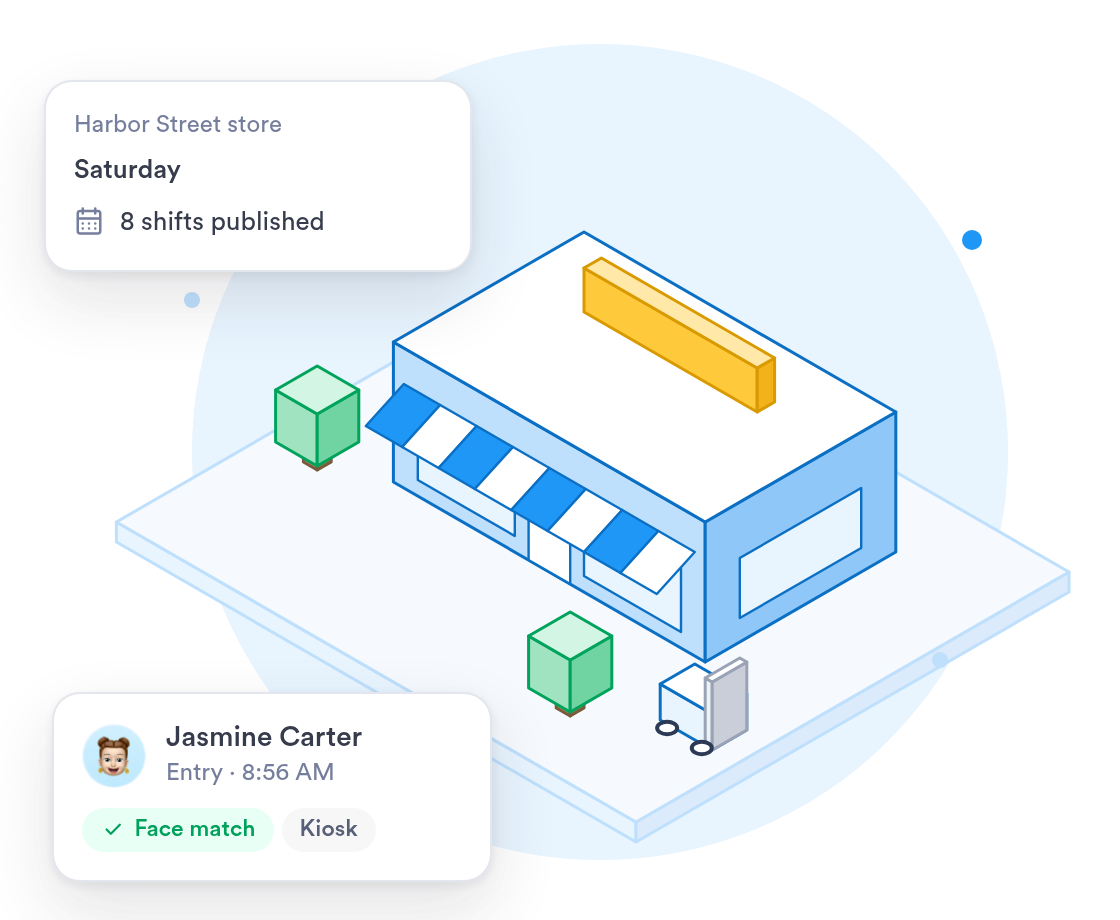
Retail teams change fast — Day.io keeps clock-ins accurate and schedules current no matter how often your roster turns over.
New hires can clock in right away with a PIN, then register their face later.
Explore →Manage staffing across every store from one dashboard.
Retail shift scheduling →

















See who is clocked in at each store and build next week's schedule in the same place.
On the Business plan, see overtime and its cost for each store in real time.
Set weekend and holiday premiums once, and every timesheet picks them up.
Staff clock in on a shared tablet by the door, with their face or a PIN.
Plan the week in Day.io, then send payroll the hours your staff actually worked.
Some cities charge employers for late schedule changes, so publish early: each employee gets a phone notification.
With staff turning over all year, a new hire can clock in at the kiosk with a PIN before registering a face.
Weekly overtime after 40 hours, weekend rates and holiday pay apply to every store on their own.
When you work with a specialist, the rollout follows your store hours and pay rules.
One person who learns your store hours and premium rules and sets them up with you.
Help setting up the shared tablet at each store entrance.
Past time records brought over from your current system and checked before go-live.
What the rollout looks like for a business with more than one store.
List each store, its opening hours and the premiums you pay on weekends and holidays.
Rules and kiosks are set up, then tested against a real week of shifts.
Start with one store for a pay period, fix what needs fixing, then add the rest.
All your stores clocking in on Day.io, with managers shown how to approve hours.
Security controls and a record of every edit, with clock-in history kept for as long as your company requires.
Independently audited security controls.
Every clock-in, edit, and approval logged and exportable.
Give each store manager access to their own store and nothing else.
An edited clock-in never overwrites the original record.
Uptime backed by a service level agreement.
Personal data handled in line with the GDPR.
Sign in with your identity provider on the Enterprise plan.
Email support@day.io for help with setup, rules or exports.
Security and privacy standards you can check before you sign up.
Audited controls for security, availability, and confidentiality.

Personal data handled in line with the EU General Data Protection Regulation.
Send approved hours to your payroll system, or export them to Excel or CSV.




Real-time labor cost dashboards on the Business plan help store managers staff to demand without overspending.