01
Clock In Where You Work
At home or in the office, staff clock in from the browser or their phone.
Flexible schedules for remote and hybrid developers, per-client hour tracking, and native integrations with the tools your team already uses.
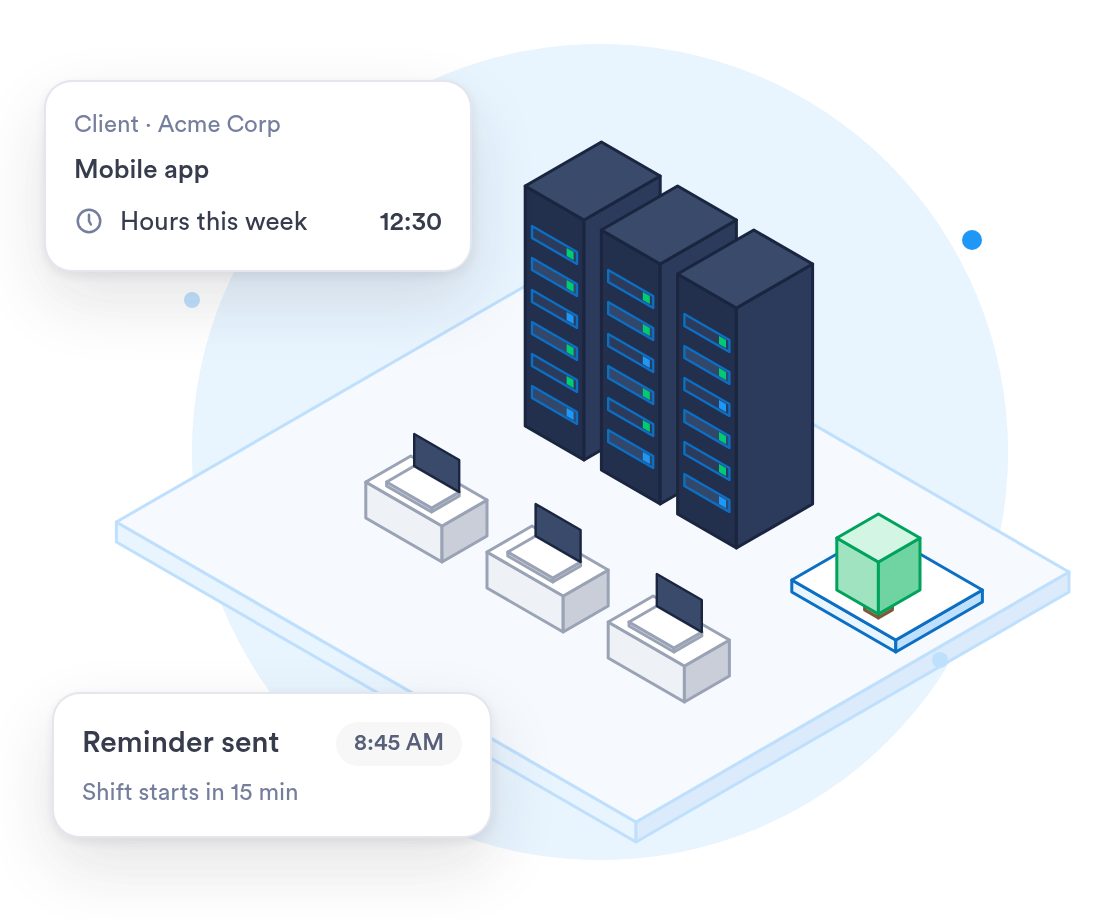
Remote, hybrid, or in-office — track hours accurately without micromanaging anyone.
Let developers clock in whenever their day requires, from the office, a client site, or home.
Explore →See hours by client or project for accurate billing and utilization tracking.
Explore →Connect with Jira, GitHub, Asana, ClickUp and more — no manual timesheets.
Explore →


















Remote and hybrid staff clock in from the web, the phone app or a browser extension.
A clock-in button in Chrome or Edge, right where your team already works.
Set fixed hours, flexible hours or shifts, team by team.
On the Business plan, see who is working and how much overtime each team has.
Know who is working today without asking anyone for a status update.
At home or in the office, staff clock in from the browser or their phone.
If you check location, it happens only at clock-in, with no tracking during the day.
Employees review and e-sign their timesheets, so payroll starts from hours they agreed to.
When you work with a specialist, the rollout fits a team spread across homes and offices.
One person who sets up your teams, schedules and roles with you.
Help getting the Chrome or Edge extension and the app to every employee.
Past time records brought over from your current system and checked before go-live.
What the rollout looks like for a tech company with remote and office staff.
List your teams, their working hours and who approves their time.
Schedules, roles and sign-in are set up and tested with a real week of clock-ins.
Start with one team for a pay period, gather feedback, then add the rest.
Everyone clocking in on Day.io, with managers shown how to approve hours.
Security controls and a record of every edit, with clock-in history kept for as long as you need it.
Independently audited security controls.
Every clock-in, edit, and approval logged and exportable.
Give each team lead access to their own team and nothing else.
Data encrypted in transit and at rest.
Uptime backed by a service level agreement.
Personal data handled in line with the GDPR.
Sign in with your identity provider on the Enterprise plan.
Security and privacy standards you can check before you sign up.
Audited controls for security, availability, and confidentiality.

Personal data handled in line with the EU General Data Protection Regulation.
Send approved hours to your payroll system, or export them to Excel or CSV.




Employees get a nudge exactly when they need to clock in, wherever they're working from that day.