01
Clock In at the Site
Crews clock in from their phone, and location is checked only at that moment.
Construction time tracking software with GPS-verified clock-ins, job costing and offline mode, so every crew's hours stay accurate on-site or off the grid.
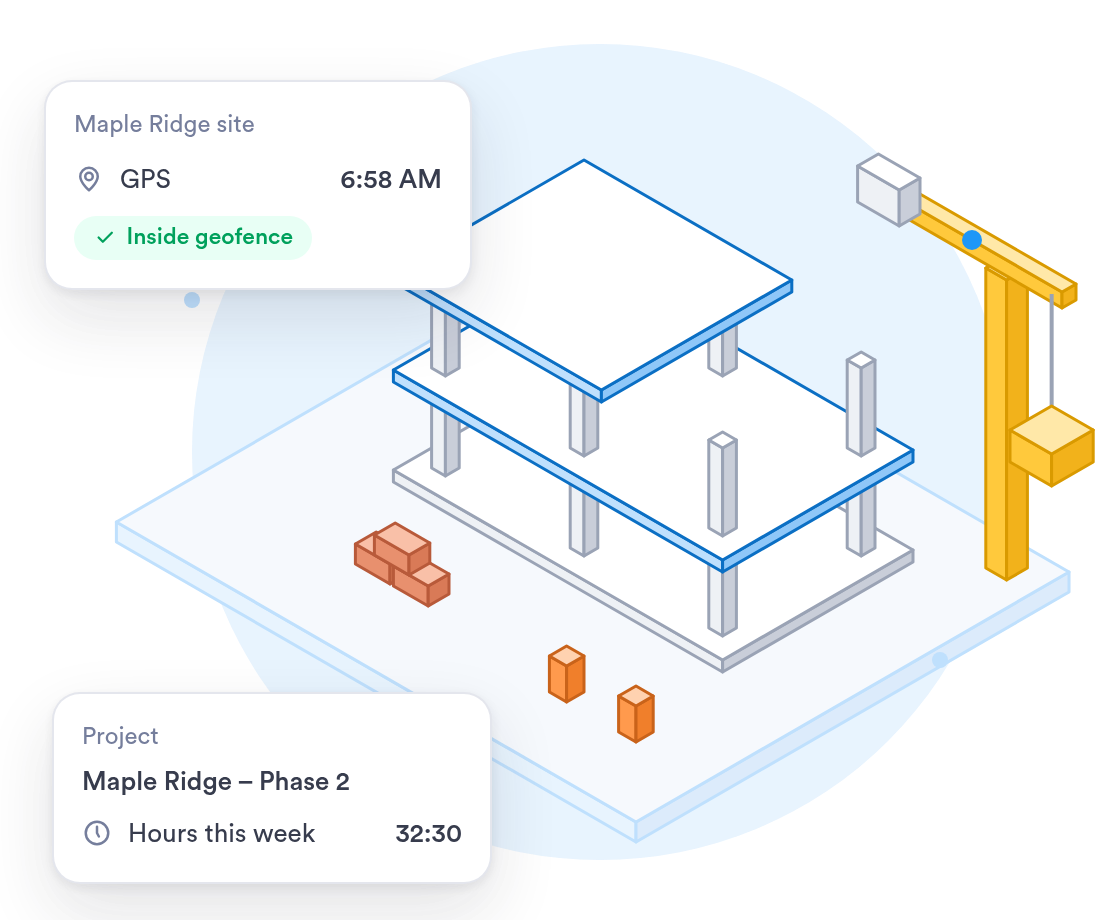
Construction workforces move between sites daily — Day.io tracks time and cost accurately no matter where the crew is working.



















See who is on the clock across your job sites, even when crews move during the day.
GPS, WiFi or Bluetooth checks location when someone clocks in, and nothing is tracked after.
Phones keep clocking crews in offline and sync once they get a connection.
Workers review and e-sign their timesheets from their phone at the end of the week.
Crews clock in where they work, and you get hours you can pay from.
Crews clock in from their phone, and location is checked only at that moment.
Clock-ins made with no connection are saved on the phone and sync later.
Weekly overtime after 40 hours and daily overtime after 8 hours are applied on their own.
When you work with a specialist, the rollout fits how your crews move between sites.
One person who learns your sites and overtime rules and sets them up with you.
Help getting the app on crew phones, or a shared tablet in the site trailer.
Past time cards brought over from your current system and checked before go-live.
What the rollout looks like for a contractor with crews on several sites.
List your job sites, your crews and the overtime rules you pay by.
Sites and rules are set up, then tested with real clock-ins, offline ones included.
Run one crew for a pay period, adjust, then bring in the rest.
All crews clocking in on Day.io, with supervisors shown how to approve hours.
Security controls and a record of every edit, with clock-in history kept for as long as you need it.
Independently audited security controls.
Every clock-in, edit, and approval logged and exportable.
Give each supervisor access to their own crew and nothing else.
Data encrypted in transit and at rest.
Uptime backed by a service level agreement.
Personal data handled in line with the GDPR.
Sign in with your identity provider on the Enterprise plan.
Security and privacy standards you can check before you sign up.
Audited controls for security, availability, and confidentiality.

Personal data handled in line with the EU General Data Protection Regulation.
Send approved hours to your payroll system, or export them to Excel or CSV for your accountant.




Certified payroll and prevailing wage reporting get easier with a full audit trail and e-signature-backed timesheets on every job.