



01
Clock in on site
Crews clock in from their phone, and location is checked only at that moment.
Time tracking that goes wherever the job goes
Record attendance on any site, even with no signal. Location is checked by GPS, WiFi or Bluetooth when someone clocks in.
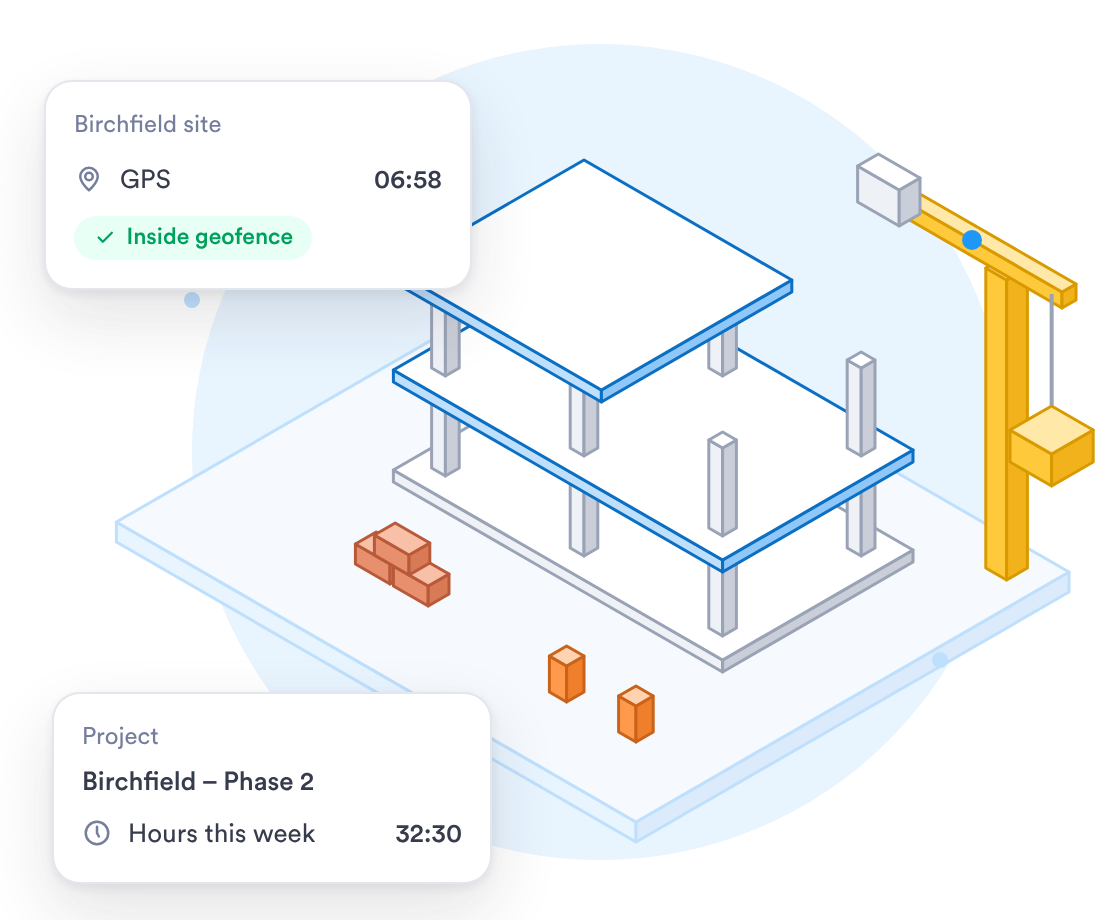
Mobile-first tools designed for crews moving between sites all week.


















See who is on the clock at each site, with hours logged against each job.
GPS, WiFi or Bluetooth checks location when someone clocks in. Nothing is tracked after that.
Phones keep recording clock-ins offline and sync once they find a connection.
Workers check and e-sign their timesheets from their phone or a computer each pay period.
Crews clock in where they work, and you get hours per job to export.
Crews clock in from their phone, and location is checked only at that moment.
Clock-ins made with no connection are saved on the phone and sync later.
Set overtime by the day or the week in a pay policy, and it applies on its own.
When you work with a specialist, the rollout fits how your crews move between sites.
Talk to a specialist about setting up your sites and overtime rates.
Crews clock in on their own phones, or on a shared tablet in the site cabin.
Upload your crew list as a CSV file and give each person their sites.
What the rollout looks like for a contractor with crews on several sites.
List your sites, your crews and the overtime rates you pay.
Sites and pay policies are set up, then tested with real clock-ins, offline ones included.
Run one crew for a pay period, adjust, then bring in the rest.
All crews clocking in on Day.io, with supervisors shown how to approve hours.
Security controls and a record of every edit, with clock-in history kept as long as you need it.
Security controls checked by an independent auditor.
Each edit keeps the original clock-in, and each export records who ran it.
Give each supervisor access to their own crew and nothing else.
An edited clock-in never overwrites the original record.
Uptime backed by a service level agreement.
Day.io carries the GDPR Ready badge.
Sign in through your identity provider on the Enterprise plan.
Email support@day.io for help with setup, pay policies or exports.
Security and privacy standards you can check before you sign up.

Audited controls for security, availability and confidentiality.

Day.io carries the GDPR Ready badge.
Export approved hours per job to Excel or CSV for whoever does your payroll.




Retire the paper timesheet and the sign-in sheet in the site cabin for a system built for outdoor, mobile work.