



01
Custom roles and permissions
Create roles by team, department or company. Each manager sees only the people they look after.
SOC 2 Type 2 security, single sign-on and a pay policy for each entity or group of staff.


















Features and support designed around businesses with thousands of employees.
Each entity, site or group of staff gets its own pay policy. Edited clock-ins keep the original, and rota changes record who made them.
Role-based access, location checked by GPS, WiFi or Bluetooth at clocking, and face or PIN. Your company collects consent and switches face on per person.
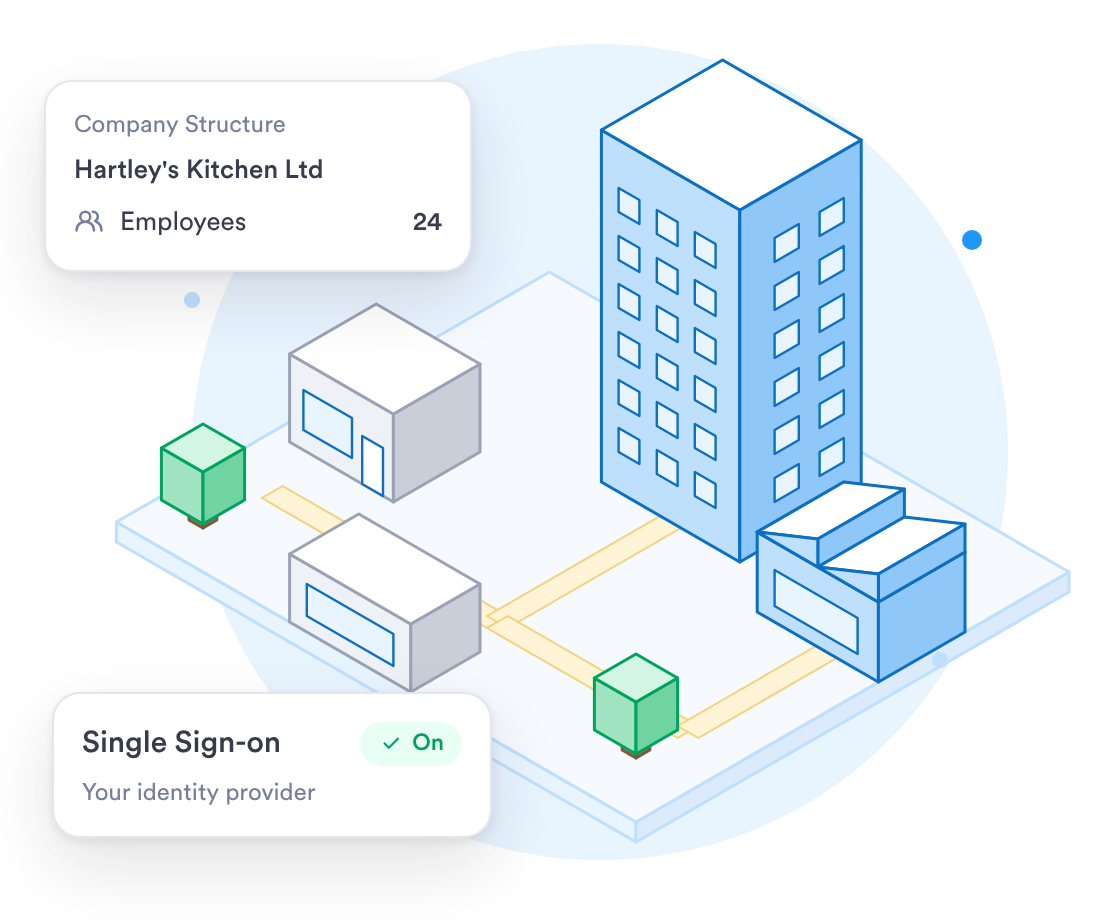
On the Enterprise plan, staff sign in through your identity provider. Roles reach down to a single site or team.
Run attendance and rotas for every site and company from one account.
Create roles by team, department or company. Each manager sees only the people they look after.
Run several companies or sites from one account, with admins limited to their own company.
Managers approve the hours and edits for their own sites. Export to payroll is a separate step, and who exported each period is logged.
Talk to a specialist about how your companies, sites and roles would be set up in Day.io.
Get your set-up questions answered by someone who knows the product.
Build your own reports, or ask our Customer Success team to build one for you.
The app, web and kiosk follow the language of each phone, and anyone can switch it.
The steps to get Day.io running across your organisation.
Go through your companies, sites and pay policies with a specialist.
Set up roles, pay policies and integrations for each company, with single sign-on on the Enterprise plan.
Review the first clock-ins and overtime alerts before you approve and export.
Staff clock in on the web, the app or a shared tablet. Approved hours go to whoever does your payroll.
What a business with several sites, entities or countries needs to run time and attendance.
Used by clients in 50 countries. Run several companies in one account.
Granular control by role, team or business unit.
Sign in through your corporate identity provider, on the Enterprise plan.
Our security controls are audited by an independent third party.
An edited clock-in never overwrites the original, and rota changes record who made them.
With no signal, a clock-in keeps its real time and syncs later.
On the Enterprise plan, staff sign in with their company account through single sign-on.
An independent third party audits our security controls.
Independent audit of our security, availability and confidentiality controls.

Our GDPR Ready badge, for how we handle personal data.
Approved hours go to your payroll system, or out as an Excel or CSV file for whoever does your payroll.