



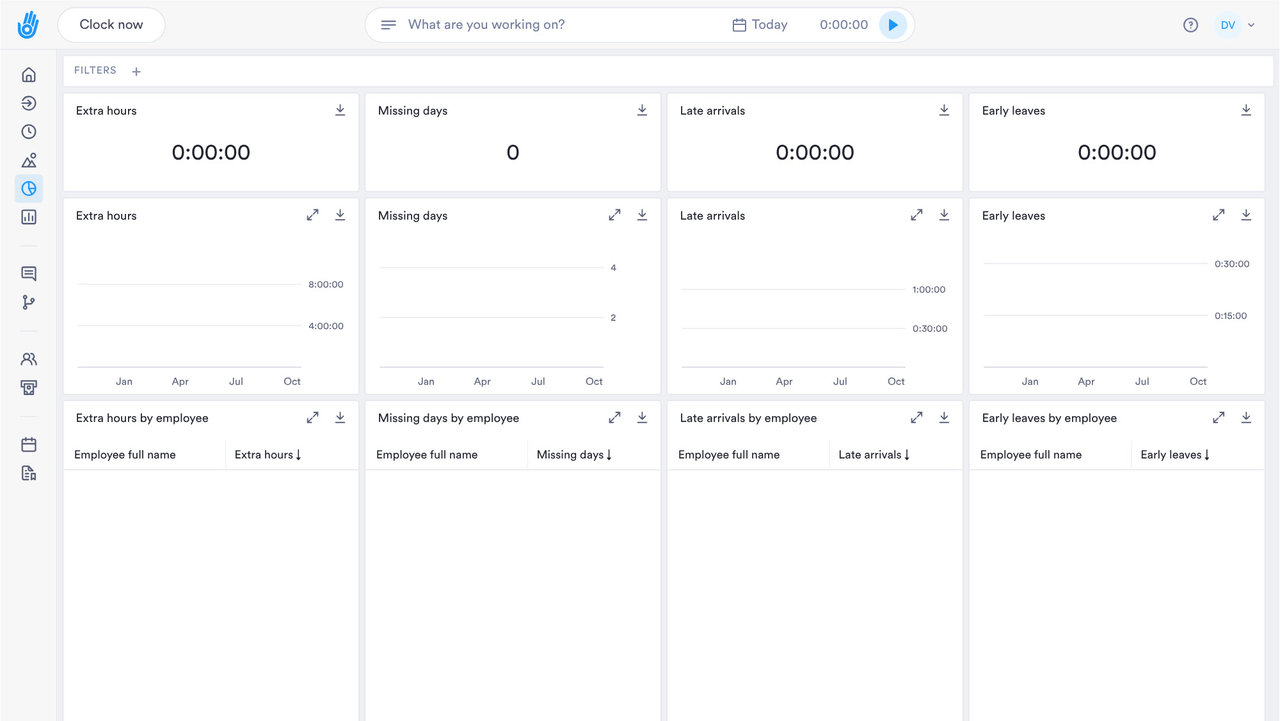
ATTENDANCE REPORTS

The hours, overtime and absence numbers you keep being asked for

See hours, overtime and absence as they happen, and act on them before payroll.

DATA INTELLIGENCE

Dashboards for the decisions you make each week

Build your own reports, or ask our Customer Success team to build one for you.

01

Your own reports

Build reports around the numbers that matter to you.

  • ✓ Real-time dashboards for hours, overtime and absence
  • ✓ Click from a trend to the people behind it
  • ✓ Spot overtime and absence before payroll is due
  • ✓ Today's numbers, as they happen
02

Real-time dashboards

Watch absence and overtime as they happen, before payroll runs.

  • ✓ The report you built by hand each month, now one click
  • ✓ Filter once and export whenever finance asks
  • ✓ Attendance and payroll reports on demand
  • ✓ Build your own reports, or ask Customer Success to build one
03

Exports

Export to Excel, CSV, or straight into your own BI stack via API.

  • ✓ Overtime by site, this week
  • ✓ Overtime cost alerts as it happens
  • ✓ Spot a rise in overtime while you can still act on it
  • ✓ Billable hours per client, split automatically
04

Catch the problem before it costs you

Spot overtime creeping up early with real-time alerts, well before month-end.

  • ✓ Side-by-side comparisons across teams, sites and regions
  • ✓ Absence trends by team and site
  • ✓ Automatic alerts on rota anomalies
DIG DEEPER

Everything else Analytics does

The reporting that sits on top of every other module.

WHO SEES WHAT

Each manager sees the numbers for their own people

Dashboards follow the roles you set up.

01

Roles built around your company

Create custom roles for owners, managers or finance, each with its own access.

02

Managers see their own team

A team manager sees the hours and absence for their own team and department.

03

Switch on what each role needs

Decide which roles can open reports, dashboards and payroll.

04

The same record everywhere

Reports come from the same clock-in records you'd show if anyone asked.

PAYROLL AND HR SYSTEMS

Hours sent where payroll runs

Approved hours go to whoever does your payroll as Excel or CSV, or through an integration.

SAP SuccessFactorsADPWorkdayOraclePapaya Global
See all integrations
REPORTS AND EXPORTS

Reports for the questions you get asked

Hours, absence, clients and sign-off, each one click from an export.

Every export on record

See who exported which pay period, so you know which file payroll used.

Reports beyond payroll

Employee, site and client reports for the questions that come up between pay runs.

Signed timesheets on file

Pull up which timesheets each person signed, straight from their record.

Patterns in lateness and absence

Repeated late starts or missed days show up as a trend by team or site.

Hours per client

Billable and non-billable hours split automatically, per client or project.

Data in your own tools

Export to Excel or CSV, or ask our Customer Success team to build a report for you.

QUESTIONS

Attendance reports: common questions

Which Day.io plan includes the analytics dashboards?

Analytics is on the Business plan and up. Talk to us and we'll show you the dashboards with your own kind of data.

Are the dashboards real time?

Yes. The dashboards update in real time, so you can see today's overtime and absence while there's still time to act.

Can I break the numbers down by team or site?

Yes. Compare teams, sites or shifts, and drill down from a company total to the site behind it.

Can a manager see only their own team's numbers?

Yes. Custom roles can be limited to a team, a department or the whole company. A manager then sees only their own people's dashboards.

See your hours and overtime in one dashboard

Talk to a specialist and see Day.io Analytics configured around your operation.