



01
Face or PIN at the tablet
Staff clock in at a shared tablet with their face or a PIN, their choice. You collect consent and switch face on per person.
Every client's hours, kept apart in one account
Set up each client as a project. Hours split by client and export per client, from one account.
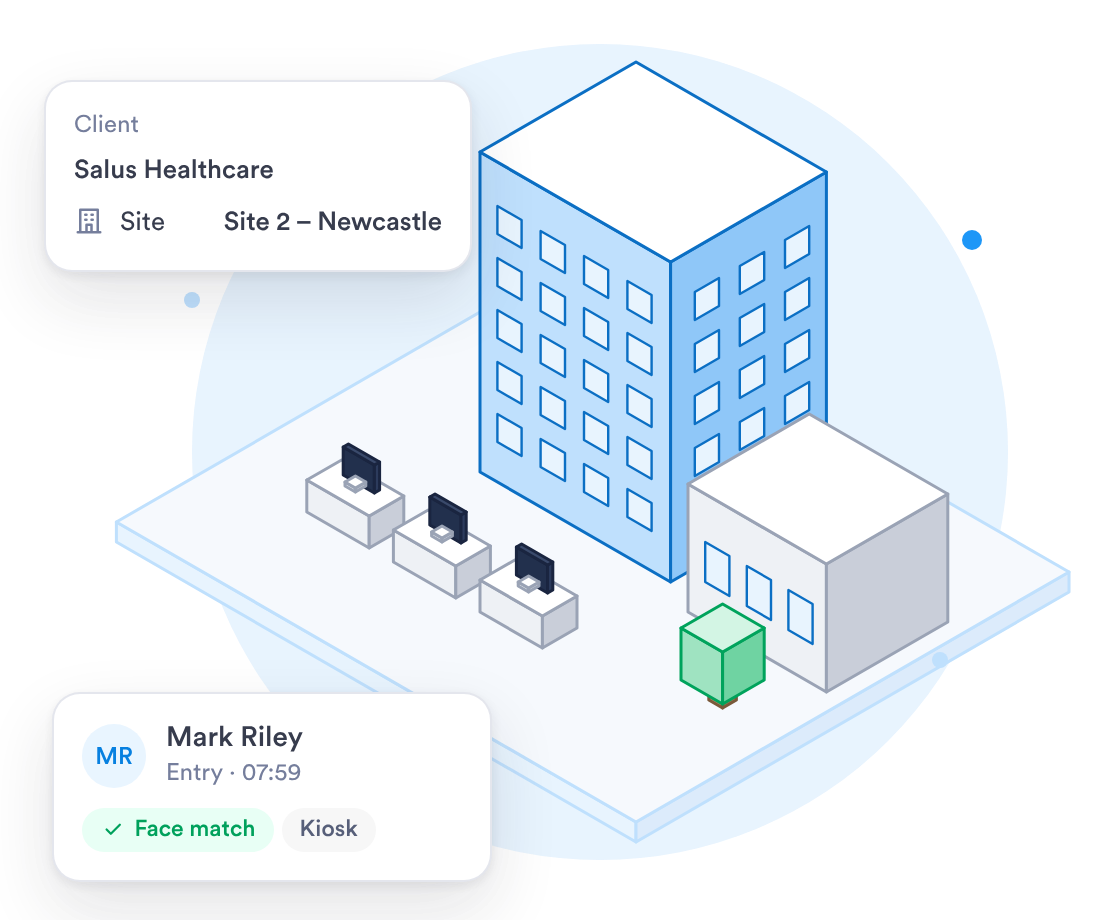
Tools built to manage teams allocated across multiple clients and contracts at once.


















Run staff on several client contracts, or several companies, from one Day.io account.
Keep each company separate and manage them all from one account.
Each team lead sees their own people and nothing else.
Staff choose facial recognition or a PIN on the shared tablet. A PIN works for anyone without a registered face.
Clocking in, rotas and overtime for every client, in one place.
Staff clock in at a shared tablet with their face or a PIN, their choice. You collect consent and switch face on per person.
Publish rotas for every shift, and each person gets a notification on their phone.
Set night, weekend and bank holiday rates in a pay policy, and they apply to every shift.
With a specialist, setup follows your clients and shift patterns.
Talk to a specialist about setting up your clients, roles and pay policies.
A tablet at each entrance works as a kiosk, with a PIN or face check.
Upload your staff list as a CSV file, then set up each client as a project.
How an outsourcing firm with staff on several client contracts gets set up.
Note each client, the staff on its contract, who leads them and the shift rates you pay.
Clients as projects, roles, tablets and pay policies go in, then get tested on a real week.
Run one client's team for a pay period, adjust, then add the others.
All your staff clock in on Day.io, and team leads know how to approve hours.
Every edit sits beside the original clock-in, and history is kept for as long as your company needs it.
Our security controls, checked by an independent auditor.
Edits sit next to the original, and who exported each period is logged.
Scope each role by team or company, so leads see only their own people.
Editing a clock-in never overwrites the time first recorded.
Uptime set out in a service level agreement.
Day.io carries the GDPR Ready badge.
Staff sign in through your identity provider on the Enterprise plan.
Email support@day.io with questions on setup, rates or exports.
Security and privacy badges you can look at before you book a demo.
An independent auditor checks our security controls over time.

Day.io carries the GDPR Ready badge.
Export approved hours client by client to Excel or CSV, or send them to Workday or SAP SuccessFactors.




Onboard new staff quickly and reallocate between contracts easily, without ever losing their history.