



01
Night and weekend rates applied
Night and weekend hours pick up the rates in each group's pay policy, every pay period.
Time and attendance built for the factory floor
Shift patterns, a pay policy for each union agreement and high staff turnover, in one system.
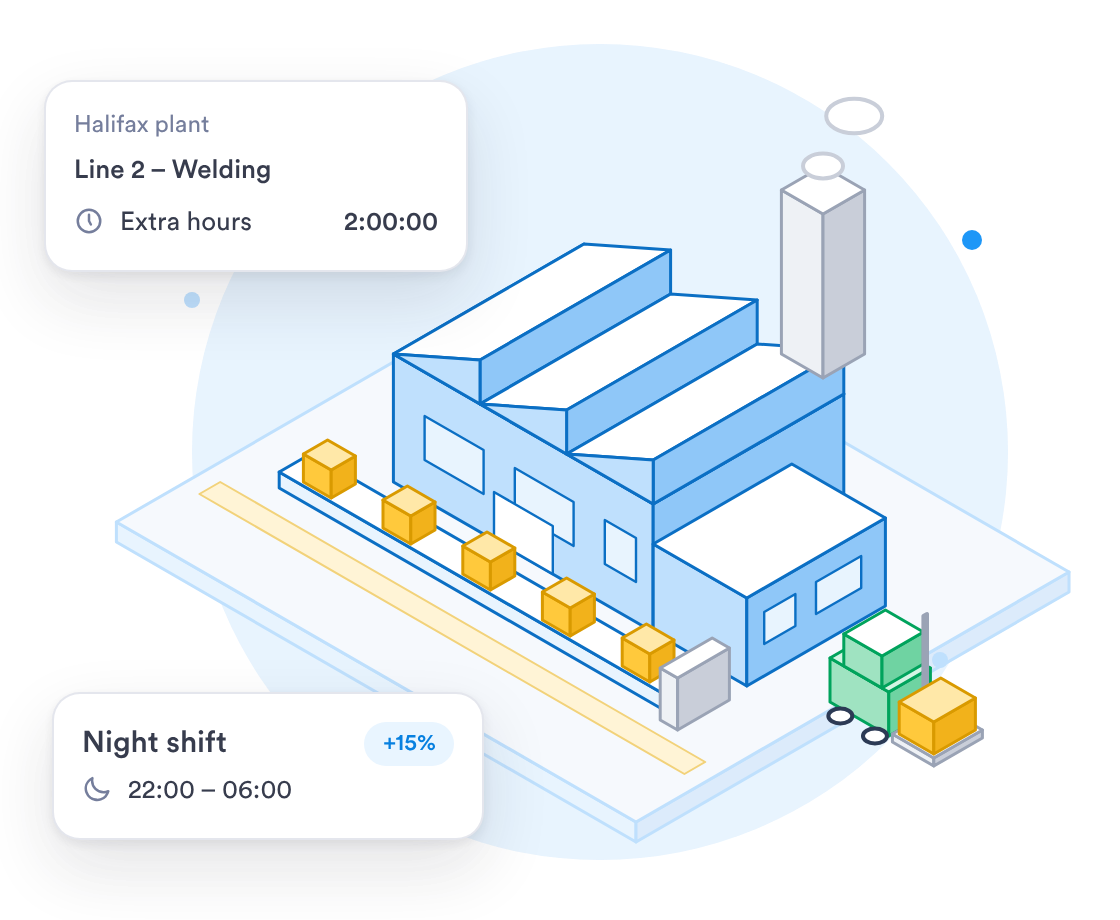
Clocking in on shared tablets, and pay policies for round-the-clock work.
Staff clock in on a shared tablet you already have. No terminals to buy.
Explore →Set overtime, night and bank holiday rates for each collective agreement.
Shift rotas for your plant →Plan shifts across several plants and see who is on the clock at each.
Explore →

















See who is on the clock, who is on overtime and who is missing at each plant.
On the Business plan, live dashboards show attendance and overtime for each team and site.
Set overtime, night and bank holiday rates once for each group of staff.
Phones and shared tablets keep recording offline, with the real clock-in time kept.
Each clock-in is checked against the pay policy for that group, then exported for whoever does your payroll.
Night and weekend hours pick up the rates in each group's pay policy, every pay period.
Track who is in across every line and site, and spot gaps before a shift starts.
Give each agreement its own overtime tiers, night rates and bank holiday rates.
When you work with a specialist, the rollout follows your shift patterns and union agreements.
Talk to a specialist about how your shifts and pay policies would be set up.
A tablet at each entrance to the floor works as a kiosk, with a PIN or face check.
Upload your staff list as a CSV file instead of adding people one by one.
What the rollout looks like for a manufacturer running several shifts.
We write down each shift pattern and union agreement before anything is set up.
Pay policies and tablets are set up, then tested against a real week of shifts.
Run one line or shift for a pay period, adjust, then add the rest.
Every line and shift clocking in on Day.io, with supervisors shown how to approve hours.
SOC 2 Type 2 security, and a record of every edit if an employee or the Fair Work Agency ever asks.
Security controls checked by an independent auditor.
Each edit keeps the original clock-in, and each export records who ran it.
Roles scoped by team, department or company.
An edited clock-in never overwrites the original record.
Uptime backed by a service level agreement.
Day.io carries the GDPR Ready badge.
Sign in through your identity provider on the Enterprise plan.
Email support@day.io for help with setup, pay policies or exports.
Security and privacy standards you can check before you sign up.
Audited controls for security, availability and confidentiality.

Day.io carries the GDPR Ready badge.
Export approved hours to Excel or CSV, or send them through one of our payroll integrations.




Give each group of staff a pay policy with its own overtime tiers and night rates. Shift alerts flag weekly hours and short rest.