



01
Single sign-on on Enterprise
On the Enterprise plan, staff sign in through your identity provider with the login they already use.
Time and attendance on a SOC 2 Type 2 platform
SOC 2 Type 2 security, permissions by role and a 99.5% uptime SLA. Single sign-on comes with the Enterprise plan.
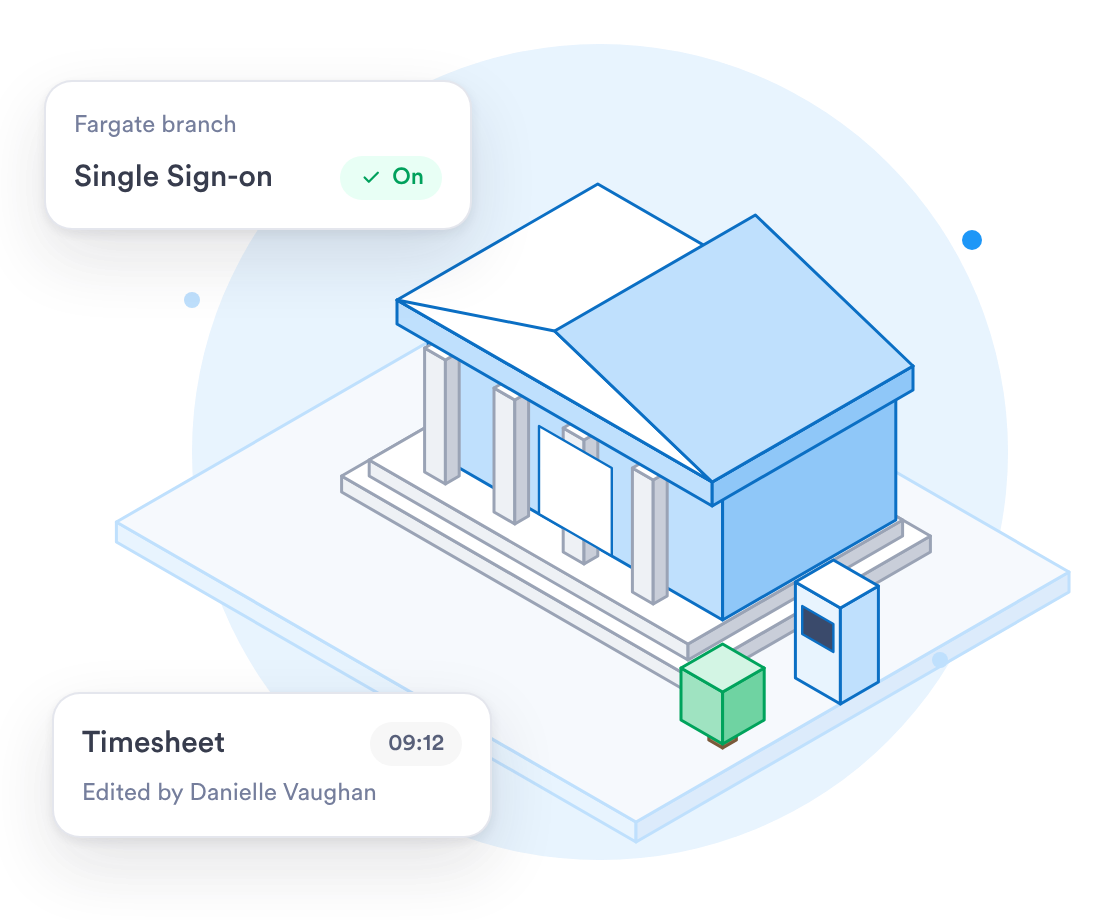
Set who sees what, keep every original clock-in, and run on a SOC 2 Type 2 platform.


















Branch staff clock in from a desk or a phone, and every edit stays on file.
On the Business plan, see overtime and its cost for each branch as it happens.
Every change to a timesheet is logged, so you can see who changed what.
Employees e-sign their timesheets from their phone or a computer each pay period.
Clock-ins, edits and sign-offs stay on file for as long as you need them. Day.io doesn't delete them.
On the Enterprise plan, staff sign in through your identity provider with the login they already use.
Custom roles limit each manager to their own branch or team.
When a manager fixes a missed clock-in, the change is logged with who made it.
When you work with a specialist, the rollout follows how your branches are run.
Talk to a specialist about setting up your branches, roles and pay policies.
Limit each role to a team or department. Single sign-on is on the Enterprise plan.
Upload your staff list as a CSV file, with each person's team and branch.
What the rollout looks like for a financial services firm with several branches or offices.
List each branch, who manages it and what each role is allowed to change.
Give each branch its own roles and pay policies. Single sign-on is on the Enterprise plan.
Run one branch for a pay period, check the records, then add the rest.
All branches clocking in on Day.io, with managers shown how to review and approve hours.
SOC 2 Type 2 controls your IT lead can review, and clock-in history kept as long as your firm needs.
Security controls checked by an independent auditor.
Each edit keeps the original clock-in, and each export records who ran it.
Each manager sees their own branch, and you decide what each role can change.
An edited clock-in never overwrites the original record.
Uptime backed by a service level agreement.
Day.io carries the GDPR Ready badge.
Sign in through your identity provider on the Enterprise plan.
Email support@day.io for help with setup, pay policies or exports.
Security and privacy standards you can check before you sign up.
Audited controls for security, availability and confidentiality.

Day.io carries the GDPR Ready badge.
Export approved hours to Excel or CSV, or send them through one of our payroll integrations.




Day.io holds SOC 2 Type 2. An edited clock-in never overwrites the original, and every export is logged with who ran it.