



CLOCKING IN APP

Time tracking your business can actually trust

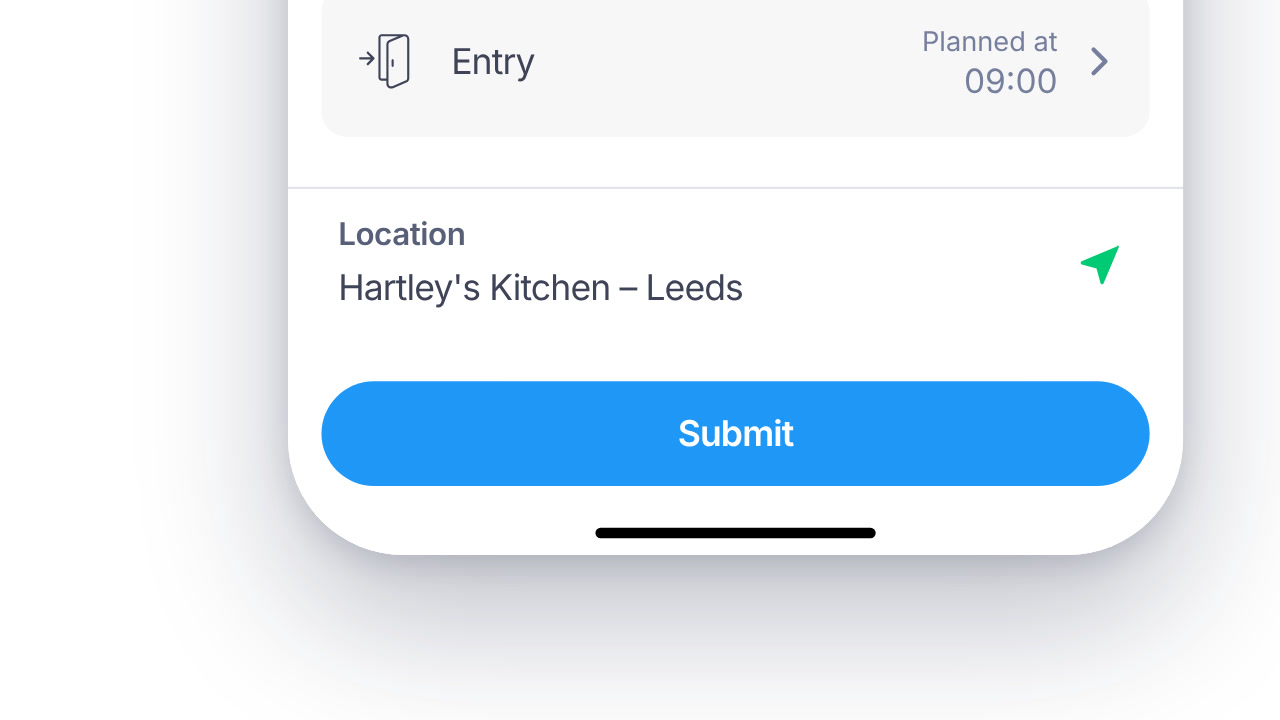
Location and device are checked at every clock-in, with face or PIN if you switch it on. Offline clock-ins keep the real time.

HOW IT WORKS

Security built into every clock-in

Each clock-in is checked as it happens, and the result is saved with it.

01

Face or PIN

Staff clock in with their face or a PIN, on phones and shared tablets. Nothing extra to buy.

  • ✓ Face or PIN on the mobile app and on a shared tablet
  • ✓ Choose how each person clocks in: web, app or tablet
  • ✓ A shared tablet works as a kiosk, with a PIN for each person
  • ✓ The check result is saved with every clock-in

02

Device check

Confirms the clock-in is coming from the device actually assigned to that employee.

  • ✓ Set the allowed location for each site
  • ✓ WiFi and Bluetooth checks alongside GPS
  • ✓ The location stays on the clock-in record to look at later
  • ✓ Start, finish and each break carry their own location
03

Offline mode

Clock-ins keep recording with no signal, then sync automatically the moment connection returns.

  • ✓ Clocking in carries on in the app and on the tablet with no signal
  • ✓ Saved clock-ins sync once the connection is back
  • ✓ The real clock-in time is kept, whenever it syncs
  • ✓ You can see when each device last synced
04

Clock-in records you can show if anyone asks

Every clock-in is checked when it happens. An edited clock-in never overwrites the original, so you can show what was recorded.

  • ✓ Location checks via GPS, WiFi and Bluetooth
  • ✓ Offline clock-ins keep the time they actually happened
  • ✓ Device, location and check result saved with every clock-in
DIG DEEPER

Everything else Time Tracking does

The details that make each clock-in check work day to day.

RECORDS

Each clock-in keeps its own record

What was recorded, who changed it later, and whether the checks passed.

01

Edits sit next to the original

An edited clock-in never overwrites the original. The change is saved beside it, with who made it and when.

02

The device on the record

Each clock-in carries the brand, model, operating system and app version of the device used.

03

Check results kept

Whether the face and location checks passed is saved with the clock-in. Failed checks wait for a manager.

04

Each role sees its own people

Custom roles can be limited to a team, a department or the whole company.

PAYROLL AND HR SYSTEMS

Hours ready for whoever does your payroll

Export approved hours as Excel or CSV for your bureau or accountant, or use one of our integrations.

SAP SuccessFactorsADPWorkdayOraclePapaya Global
See all integrations
DEVICES AND SET-UP

Works with the phones and tablets you have

Staff phones, a shared tablet and the web, all set up in one account.

Any phone, tablet or computer

Staff use their own phones, a tablet on the wall as a kiosk, or the web.

Every tablet in one list

See each registered tablet and when it last synced, so you spot one that has gone offline.

Records kept as long as you need

Clock-in records stay on file for as long as your company needs them. Day.io doesn't delete them.

Devices registered per person

Each person's registered phones are listed on their record, with model and app version.

Clock in from the browser

Office staff can clock in from a browser extension for Chrome or Edge, as well as the app and the tablet.

Hours shaped for payroll

Clock-in reports, and hours exported as Excel or CSV for whoever runs your payroll.

QUESTIONS

Clocking in app: common questions

Do we need to buy clocking machines?

No. Staff clock in on the web, on iOS and Android phones, or on a shared tablet set up as a kiosk. You use the devices you already have.

What checks does Day.io run when someone clocks in?

Staff who register a face are matched at clock-in, and anyone else uses a PIN. Location is checked by GPS, WiFi and Bluetooth. A failed check goes to a manager to review.

Does the app track where staff are all day?

No. Day.io checks location only at the moment someone clocks in or out. It doesn't track where staff go in between.

What happens if there's no signal?

Staff can still clock in. The clock-in keeps the real time and syncs to your account once the connection is back.

See how clocking in works on your own phones and tablets

Talk to a specialist and see Day.io Time & Attendance in action.