






01
Clock In at the Kiosk
Agents clock in with their face at a shared tablet, and anyone without a registered face uses a PIN.
Time tracking across every client, every site
Time and attendance software for BPO teams: manage large teams across clients and sites, with facial recognition clock-ins and hours split by client.
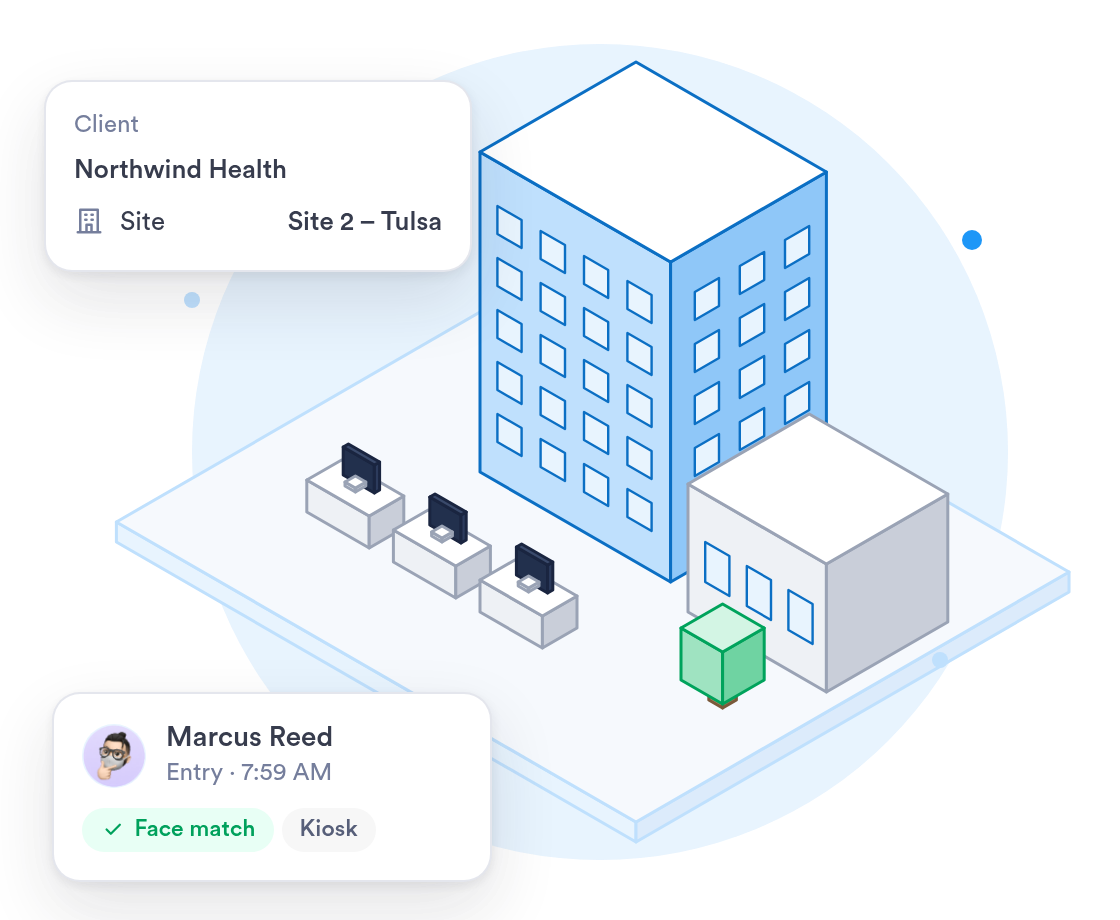
A BPO runs teams for several clients, often at several sites. Day.io keeps every clock-in accurate and each client's hours separate.
Run scheduling and time tracking across every client site from one platform.
Call center shift scheduling →Set each client up as a project, then see and export that client's hours on their own.
Explore →Facial recognition runs on phones and shared tablets, so there is no kiosk hardware to buy.
Explore →

















Run several client sites, or several companies, from one Day.io account.
Keep each company separate while you manage them all from one login.
Each site lead sees their own team and nothing else.
Agents clock in on a shared tablet with facial recognition, or a PIN if they skip registration.
Clock-ins, schedules and overtime for every site, in one place.
Agents clock in with their face at a shared tablet, and anyone without a registered face uses a PIN.
Publish schedules for day and night shifts, and each agent gets a phone notification.
Night overtime, weekend rates and weekly overtime after 40 hours apply on their own.
When you work with a specialist, the rollout follows your sites and shift patterns.
One person who sets up your sites, roles and shift rules with you.
Help setting up the shared tablets at each site entrance.
Past time records brought over from your current system and checked before go-live.
What the rollout looks like for a BPO with teams at several client sites.
List each site, its teams, who leads them and the shift rules you pay by.
Roles, kiosks and overtime rules are set up and tested with a real week of shifts.
Start with one site for a pay period, adjust, then add the others.
All sites clocking in on Day.io, with team leads shown how to approve hours.
Security controls and a record of every edit, with clock-in history kept for as long as your company requires.
Independently audited security controls.
Every clock-in, edit, and approval logged and exportable.
Scope each role by team or company, so leads see only their own people.
An edited clock-in never overwrites the original record.
Uptime backed by a service level agreement.
Personal data handled in line with the GDPR.
Sign in with your identity provider on the Enterprise plan.
Email support@day.io for help with setup, rules or exports.
Security and privacy standards you can check before you sign up.
Audited controls for security, availability, and confidentiality.

Personal data handled in line with the EU General Data Protection Regulation.
Send each company's approved hours to payroll, or export them to Excel or CSV.




One audit trail and e-signed timesheets for every client, with each client's hours ready to export.