SCHEDULING

Shift scheduling without the spreadsheet

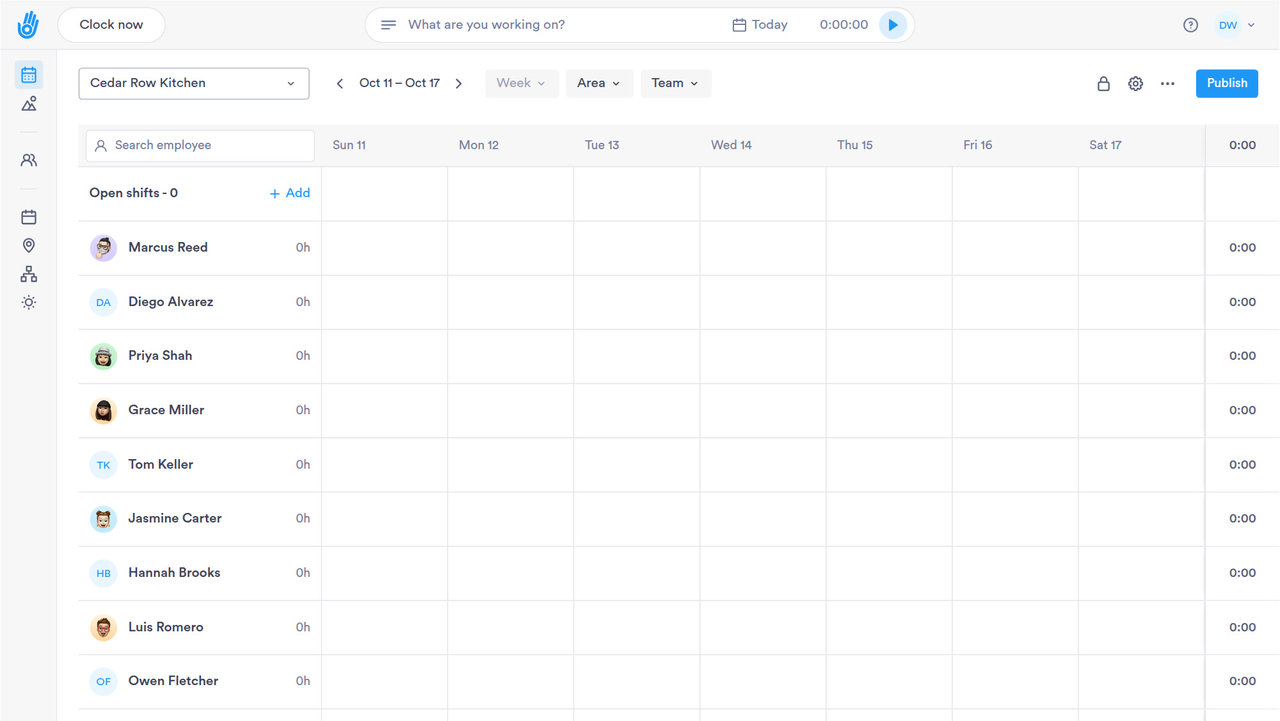
Employee scheduling software that builds a week of shifts in minutes, lets managers adjust their own team, and cuts the back-and-forth that comes with turnover.

HOW IT WORKS

Scheduling that runs itself

Set the rules once (coverage needs and overtime limits) and let Day.io do the rest. Included on every plan.

01

Rule-Based Templates

Build recurring shift patterns once and reuse them across teams and locations.

  • ✓ Set coverage rules once, reuse every week
  • ✓ Templates copy across teams and locations
  • ✓ Break windows built into each template
  • ✓ New hires start from the template, not scratch

02

Manager Self-Service

Let local managers adjust schedules within the guardrails you set.

  • ✓ Local managers adjust within your guardrails
  • ✓ Changes stay inside the rules you set
  • ✓ No spreadsheet, no group chat approvals
  • ✓ Every edit is logged to the person who made it
03

Conflict Detection

Catch double-bookings, understaffing, and overtime risk before they happen.

  • ✓ Double-bookings flagged before the shift starts
  • ✓ Gaps in coverage show up before the shift
  • ✓ Overtime risk flagged before it becomes a paycheck
  • ✓ Alerts go to the manager, not just a report
04

Coverage you can see at a glance

Real-time dashboards show gaps and overlaps across every location, so you staff accurately without the guesswork.

  • ✓ Real-time coverage view across sites
  • ✓ Rotating shift patterns, set up once
  • ✓ Automatic discrepancy alerts
DIG DEEPER

When scheduling gets complicated

The tools that come into play once scheduling gets more complex than a template.

CHANGE HISTORY

Every schedule edit has a name attached

Who changed what, and when. Not just the final version.

01

Building schedules isn't open to everyone

Creating and editing schedules are their own permissions, separate from general access.

02

A manager only sees their own site

A manager can be limited to their own location, team or department instead of the whole company schedule.

03

Every version of the schedule, exportable

Past schedules and every change to them stay available as a report, not just the current view.

04

Exceptions don't rewrite the template

A one-off change applies to one date and one employee. The template underneath stays the same.

PAYROLL AND HR SYSTEMS

Schedules that don't live in a silo

Approved shifts and coverage data sync with the payroll and HR systems you already run.

SAP SuccessFactorsADPWorkdayOraclePapaya Global
See all integrations
COVERAGE, IN PRACTICE

The scheduling details that add up

Small features that save a manager real time every week.

Three ways to define a shift

Weekly, flexible or shift-based schedules. Pick the one that matches how each team works.

Flexible hours, without losing structure

Set a required number of hours per day instead of fixed clock times, for teams that don't work a fixed shift.

Break rules built into the schedule

Break windows are part of the schedule itself, not a separate policy to track.

Notifications, not surprises

Employees are notified when a shift is assigned or changed, without a manager sending a message.

One assignment, hundreds of people

Apply a schedule to an entire team or location in a single action, not one employee at a time.

See who missed their shift, automatically

Missed shifts and late arrivals surface as a report, not a manager noticing after the fact.

QUESTIONS

Employee scheduling: common questions

Is Day.io's employee scheduling software free?

Scheduling is included on every Day.io plan, including the free plan for up to 10 employees. The free plan needs no credit card and has no time limit, so you can build and publish real schedules before you pay anything.

How do employees find out about a new schedule in Day.io?

When a manager publishes a schedule or assigns a shift in Day.io, each employee gets a notification on the Day.io mobile app. Nobody has to send a group text or pin a printed schedule to the wall.

Can managers check the schedule from their phone?

Yes. The Day.io mobile app has a schedule view for managers, so they can see who is working which shift while they're on the floor or away from a desk.

Can a manager schedule only their own team in Day.io?

Yes. Day.io custom roles can be scoped to a team, a department or the whole company, so a store or shift manager works with their own people's schedules and no one else's. Custom roles are included on every plan.

Build next week's schedule in Day.io

Start free for up to 10 employees and set up your first template. Questions first? Talk to a specialist.