







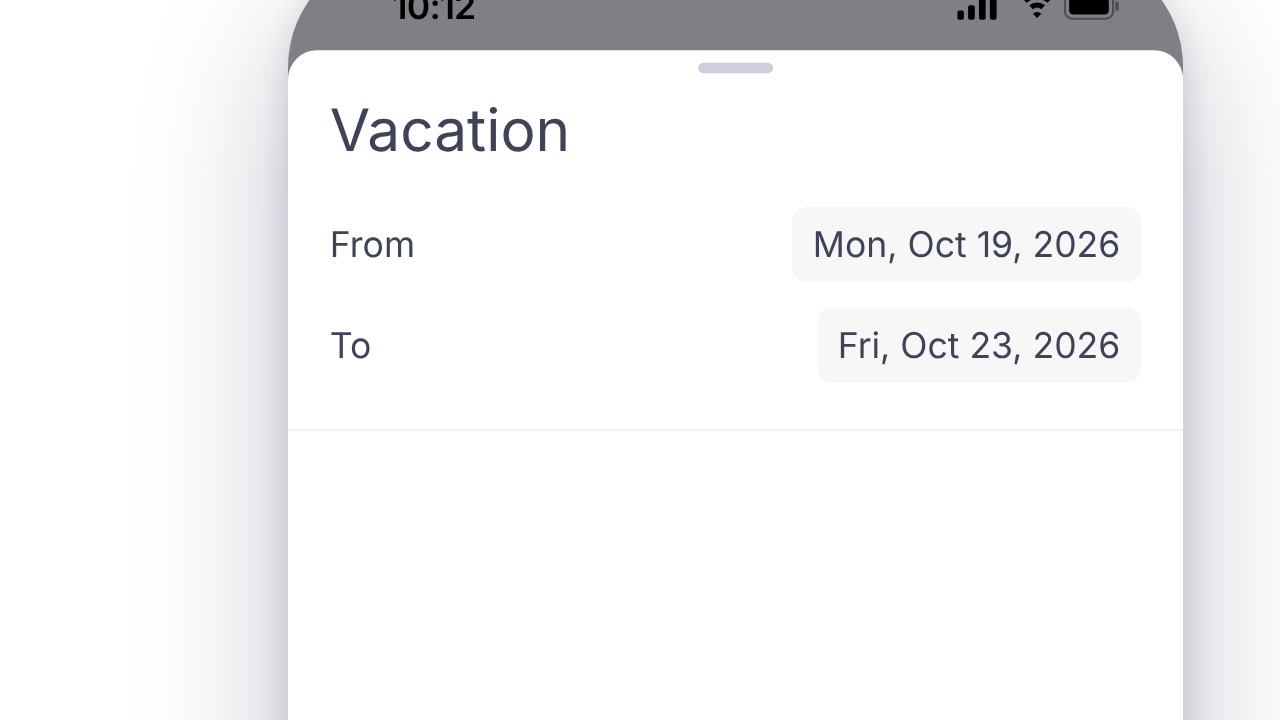
VACATION TRACKER

Vacation and leave management without the spreadsheet chaos

Set up vacation policies by team or location, create your own leave categories, and choose how many approval levels each one needs.

LEAVE MANAGEMENT

Every leave type, with its own rules

Vacation, sick days, parental leave or any category you create, each with its own balance, fields and approval steps.

01

Configurable vacation policies

Set the day balance per policy, when it resets, and what happens to unused days or a negative balance.

  • ✓ See exactly who each policy covers
  • ✓ A separate policy for each team or group
  • ✓ Choose whether balances can go negative
  • ✓ Each policy has its own start date and reset date

02

Custom leave categories

Beyond vacation, create categories like sick days, bereavement or anything else, each with its own sub-categories and required fields.

  • ✓ Add a leave category in a few clicks
  • ✓ Each category keeps its own balance
  • ✓ Split a category into sub-categories
  • ✓ Attachments or comments required per category
03

Multi-level approval

Configure who approves each category, with multiple hierarchy levels and auto-approval when it makes sense.

  • ✓ More than one approver where you need it
  • ✓ Auto-approval for the categories you choose
  • ✓ Approvers set per leave category
  • ✓ Auto-approval for the categories you choose
04

Your whole team, every absence, one calendar

Filter requests by employee, dates, category or status, and approve them right from the dashboard.

  • ✓ Employees request vacation and leave right from the app
  • ✓ Mandatory or optional attachments and comments, set per category
  • ✓ Automatic calculation of business days, holidays, and weekends
DIG DEEPER

Everything else Vacation and Leave does

The policy details that make leave management actually match how your company works.

RECORDS

Vacation records you can show

Each policy, request and approval stays on record if anyone asks.

01

Each category asks for what it needs

Ask for a doctor's note for longer sick leave, or a comment for unpaid leave. Set it per category.

02

A policy per site or group

Give each site or group of employees its own allowance, carry-over and negative-balance rule.

03

Balance history

See how each balance was built up, used and adjusted over time.

04

Approvals on record

Each request keeps its date and approval status on the person's record.

PAYROLL AND HR SYSTEMS

Approved leave next to the hours

Approved leave goes into the period's export for whoever does your payroll.

SAP SuccessFactorsADPWorkdayOraclePapaya Global
See all integrations
BEYOND VACATION

Every kind of absence in one place

Vacation, sick leave, unpaid leave and the categories you add yourself.

Bring your current balances

Import the absence and vacation records you already keep, in one go.

Employees see their own balance

Each person sees their balance and pending requests in their own account on the web.

Sub-categories

Split sick leave into appointments, emergencies or caring for someone, under one policy.

Policies by team

Different teams or groups of employees can follow different vacation rules at the same time.

Negative balances, your way

Choose whether a request over the balance is blocked, allowed or flagged for review.

What needs your attention

Pending requests show on your home dashboard with other open items.

QUESTIONS

Vacation and leave: common questions

Can employees see how much vacation they have left?

Yes. Each person sees their own balance and pending requests in their account on the web.

Can I set different vacation policies by site or team?

Yes. Each policy can give a yearly allowance, build days up each period, or both. It has its own carry-over and negative-balance rules.

Can a manager see only their own team's leave?

Yes. Custom roles can be limited to a team, a department or the whole company. A manager sees requests and balances for their own people.

Can I manage vacation for two companies in one account?

Yes. You can run several companies in one Day.io account and keep each company's vacation policies separate.

See vacation and leave in Day.io

Talk to a specialist and see how to set up your team's policies in Day.io.