






01
Clock in from anywhere
Your team clocks in on the web, the phone app or the extension for Chrome and Edge.
Choose your country
North America
 United StatesEnglish
No country matches your search.
Time tracking that scales as fast as you do
Set up in days, free for up to 10 employees, with no hardware to buy.
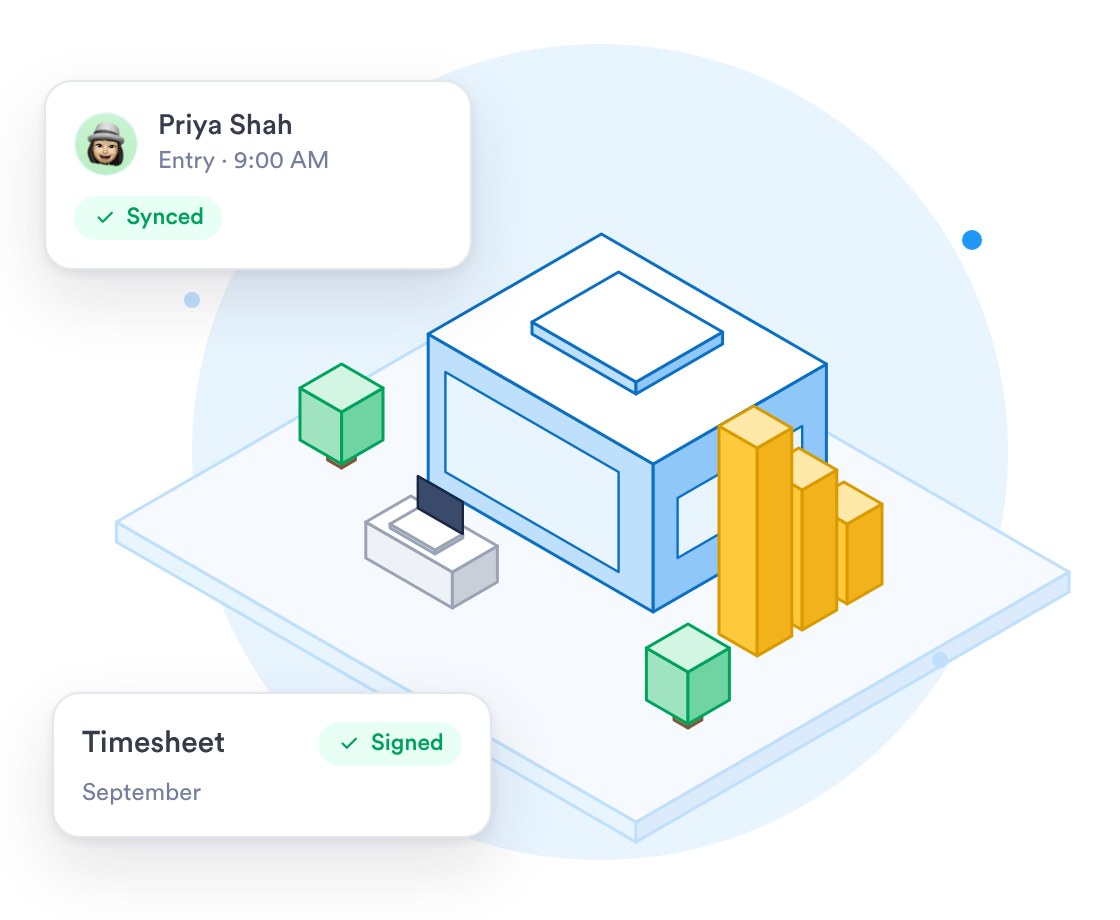
Start with clock-ins, schedules and e-signature, and add analytics when you need it.

















Your schedule, roles and clock-in history stay in one account from 15 people to 150.
Employees clock in on the phones and tablets you already have.
Publish the week's schedule and each person gets a notification for their shifts.
Move to the Business plan for real-time dashboards of hours and overtime.
The account you open at 15 people still fits at 150.
Your team clocks in on the web, the phone app or the extension for Chrome and Edge.
Employees e-sign their timesheet from a phone or a computer, with automatic reminders if they forget.
Add overtime rates, new roles or a second company later, in the same account.
If you want a hand, this is how setup with a specialist works.
Talk to a specialist about setting up your teams, roles and overtime rates.
Employees clock in from the app, the browser extension or a shared office tablet.
Upload your employee list as a CSV file, then set up your teams.
How a startup that is hiring fast gets everyone on Day.io.
Write down your teams, who approves hours and the overtime rates you pay.
Roles and rates go in, then get checked against a real week of clocking in.
Run one team for a pay period, then invite everyone else.
The whole company clocks in on Day.io, and managers know how to approve hours.
Your clock-in history is kept for as long as your company needs it, with every edit beside the original.
Our security controls, checked by an independent auditor.
Edits sit next to the original, and who exported each period is logged.
Give each team lead access to their own team only.
Editing a clock-in never overwrites the time first recorded.
Uptime set out in a service level agreement.
Day.io carries the GDPR Ready badge.
Employees sign in through your identity provider on the Enterprise plan.
Email support@day.io with questions on setup, rates or exports.
Security and privacy badges you can look at before you book a demo.
An independent auditor checks our security controls over time.

Day.io carries the GDPR Ready badge.
Export approved hours to Excel or CSV for your accountant, or send them to Workday or SAP SuccessFactors.




Onboard new hires quickly and keep schedules organized for remote and on-site people as you grow.