





01
Custom roles and permissions
Create roles by team, department or company. Each manager sees only the people they look after.
Choose your country
North America
 United StatesEnglish
No country matches your search.
For organizations that need single sign-on, custom roles and a dedicated account manager, in every province they work in.
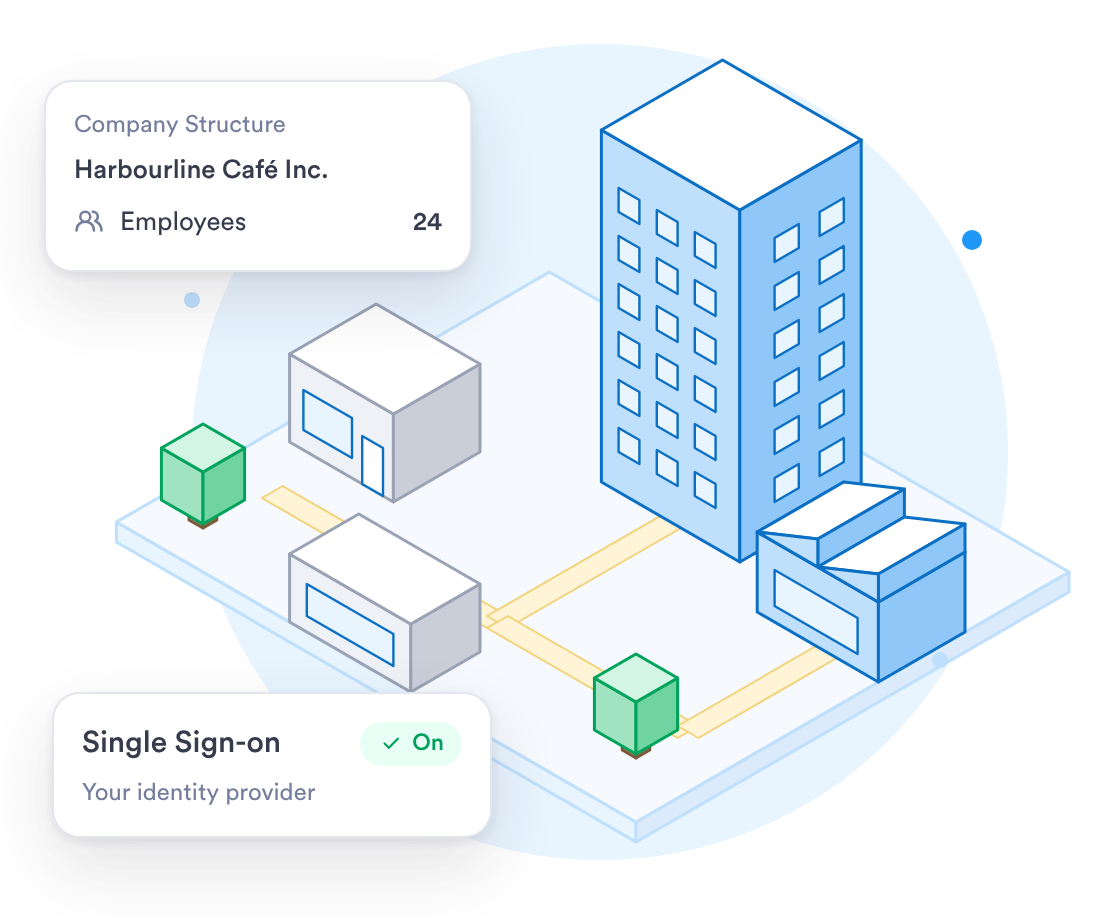

















From access controls to a dedicated account manager, Enterprise gives your organization the structure to run time and attendance at scale.
Each entity, site or group of employees gets its own pay policy. Edited clock-ins keep the original, and schedule changes record who made them.
Role-based access, location checked by GPS, Wi-Fi or Bluetooth at clock-in, and face or PIN. Your company collects consent and switches face on per person.
On the Enterprise plan, employees sign in through your identity provider. Roles reach down to a single site or team.
Run attendance and schedules for every site and company from one account.
Create roles by team, department or company. Each manager sees only the people they look after.
Run several companies or sites from one account, with admins limited to their own company.
Managers approve the hours and edits for their own sites. Export to payroll is a separate step, and who exported each period is logged.
Talk to a specialist about how your companies, sites and roles would be set up in Day.io.
Get your setup questions answered by someone who knows the product.
Build your own reports, or ask our Customer Success team to build one for you.
The app, web and kiosk follow the language of each phone, and anyone can switch it.
The steps to get Day.io running across your organization.
Go through your companies, sites and pay policies with a specialist.
Set up roles, pay policies and integrations for each company, with single sign-on on the Enterprise plan.
Review the first clock-ins and overtime alerts before you approve and export.
Employees clock in on the web, the app or a shared tablet. Approved hours go to whoever does your payroll.
Time tracking used to be manual and slow. With Day.io, management is automated and the employee experience has improved a lot.

Day.io is SOC 2 Type 2 certified, with a 99.8% uptime SLA and access set by role.
A 99.8% uptime commitment in the SLA.
An edited punch never overwrites the original, and schedule edits show who made them.
GPS, Wi-Fi, Bluetooth and device checks at every clock-in, at every location.
Our security controls are audited by an independent third party.
An edited clock-in never overwrites the original, and schedule changes record who made them.
With no signal, a clock-in keeps its real time and syncs later.
On the Enterprise plan, employees sign in with their company account through single sign-on.
An independent third party audits our security controls.
Independent audit of our security, availability and confidentiality controls.

Our GDPR Ready badge, for how we handle personal data.
Approved hours go to your payroll system, or out as an Excel or CSV file for whoever does your payroll.