






01
Schedules out early
Publish next week's schedule and each person gets a notification on their phone.
Choose your country
North America
 United StatesEnglish
No country matches your search.
Scheduling and time tracking for teams that never stop moving
Schedules that change fast and clock-ins on any store device, for retail teams with high turnover and several locations.
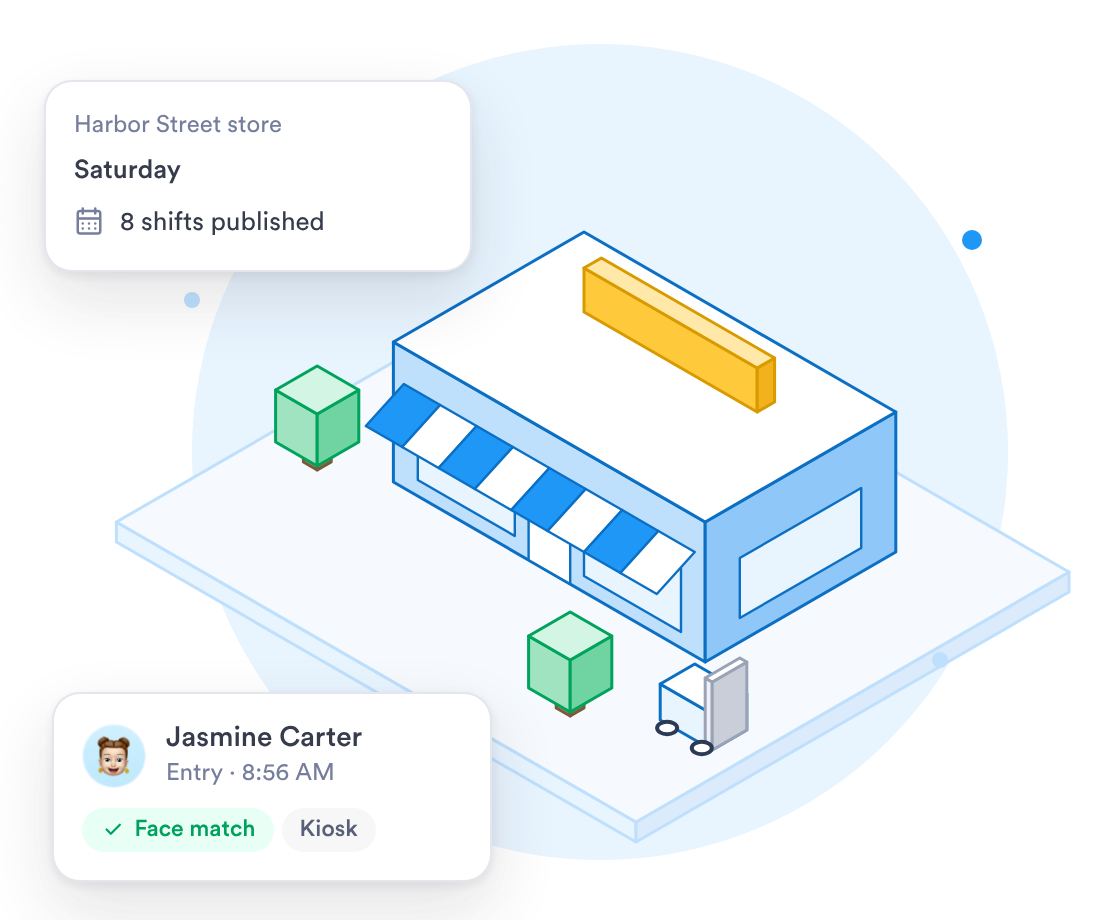
Retail schedules change every week. Day.io keeps every store staffed without rebuilding the schedule from scratch.
Build and adjust store schedules in minutes, with open shifts employees can claim.
Explore →See coverage and labour cost across every store from one dashboard.
Retail shift schedules →Face or PIN on a shared store tablet, checked at the moment of clocking in.
Explore →
















See who is clocked in at each store and build next week's schedule in the same place.
On the Business plan, see overtime and labour cost for each store as it happens.
Set Sunday and stat holiday rates once, and every timesheet picks them up.
Employees clock in on a shared tablet with their face or a PIN, their choice.
Plan the week in Day.io, then send whoever does your payroll the hours your employees actually worked.
Publish next week's schedule and each person gets a notification on their phone.
With employees coming and going all year, a new hire can clock in with a PIN. Face is optional.
Overtime, Sunday and stat holiday rates sit in a pay policy that every store uses.
When you work with a specialist, the rollout follows your opening hours and pay policies.
Talk to a specialist about setting up your stores, opening hours and rates.
A tablet by the staff entrance in each store works as a kiosk, with a PIN or face check.
Upload the employee list for every store as a CSV file.
What the rollout looks like for a business with more than one store.
List each store, its opening hours and the rates you pay for Sundays and stat holidays.
Pay policies and shared tablets are set up, then tested against a real week of shifts.
Run one store for a pay period, fix what needs fixing, then add the rest.
All your stores clocking in on Day.io, with managers shown how to approve hours.
Security controls and a record of every edit, with clock-in history kept as long as you need it.
Security controls checked by an independent auditor.
Each edit keeps the original clock-in, and each export records who ran it.
Give each store manager access to their own store and nothing else.
An edited clock-in never overwrites the original record.
Uptime backed by a service level agreement.
Day.io carries the GDPR Ready badge.
Sign in through your identity provider on the Enterprise plan.
Email support@day.io for help with setup, pay policies or exports.
Security and privacy standards you can check before you sign up.

Audited controls for security, availability and confidentiality.

Day.io carries the GDPR Ready badge.
Export approved hours to Excel or CSV, or send them through one of our payroll integrations.




Get new hires clocking in on day one, with alerts when a shift breaks your weekly-hours or rest rules.