







FACIAL RECOGNITION TIME CLOCK

Clock in with face or PIN, on the phones and tablets you have

Facial recognition runs on ordinary phones and shared tablets. It is optional: anyone who prefers can clock in with a PIN.

HOW IT WORKS

Facial recognition without buying a time clock

Recognition runs on a phone or tablet you already have at the location. Your company decides who uses it.

01

Face or PIN

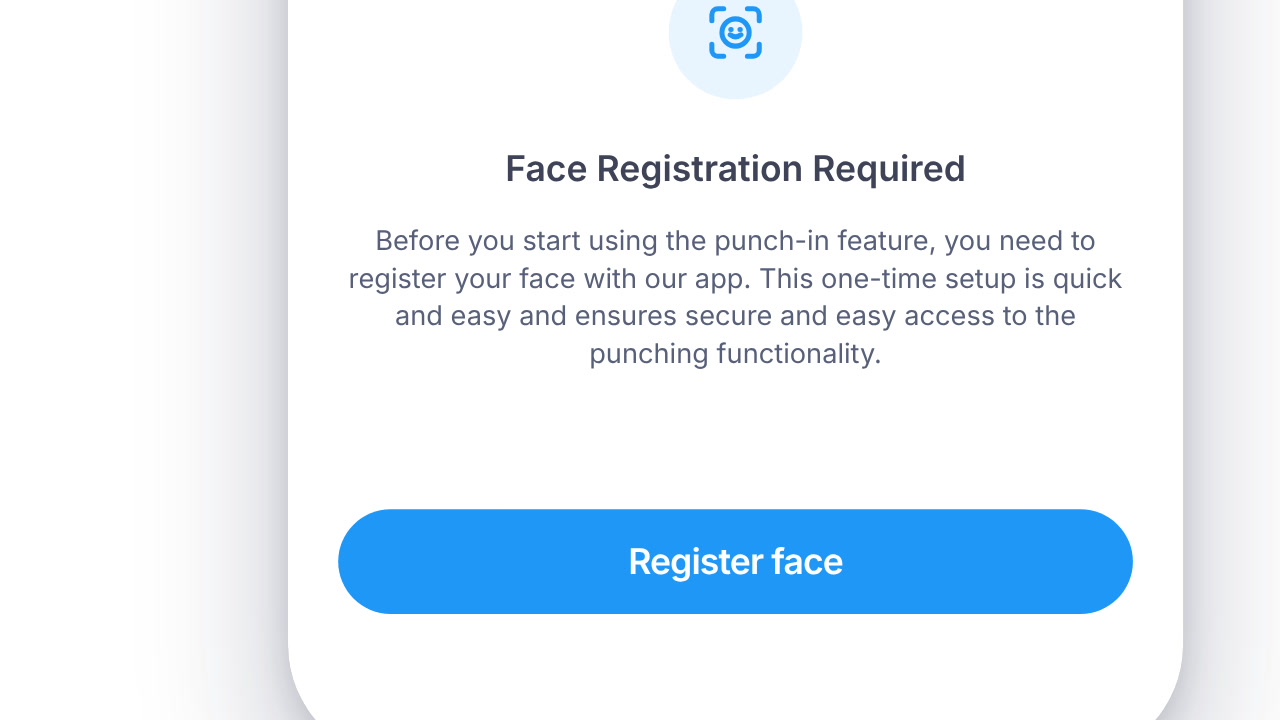
Each employee clocks in with their face or with a PIN. Registering a face is optional.

  • ✓ Register a face once, from the app
  • ✓ Choose how each person clocks in
  • ✓ Switch it off for anyone, at any time
  • ✓ Switched on per person, once your company has their consent

02

Works on the devices you have

Shared tablets or employees' own phones. There is no special hardware to buy.

  • ✓ Matched at the moment of clocking in
  • ✓ A failed match goes to a manager to review
  • ✓ Works the same on an employee's phone or a shared tablet
  • ✓ A PIN for anyone who doesn't register a face
03

Face and location at the punch

The face check and a GPS, Wi-Fi or Bluetooth location check run at the moment of clocking in.

  • ✓ Runs on the phones and tablets you have
  • ✓ A tablet on the wall can work as a kiosk
  • ✓ Phones and tablets in the same account
  • ✓ New hires can clock in from their first shift
04

Set up a new location with a tablet

Set up a tablet, have employees register their face from the mobile app, and start clocking in.

  • ✓ No biometric time clock to buy
  • ✓ Works on tablets and personal smartphones
  • ✓ Employees register their face from the mobile app
DIG DEEPER

Everything else Facial Recognition does

How the feature is configured and used day to day, alongside the other clock-in methods.

HOW IT'S HANDLED

Devices, access and corrections on record

What's kept for each device, and who can see or change a clock-in later.

01

A PIN on shared tablets

On a shared tablet, employees can clock in with their PIN, so nobody is stuck if a face check fails.

02

Each device on record

Brand, model, operating system and app version are saved for each phone and tablet.

03

Clock-in data is its own permission

Seeing and editing clock-ins can be limited to the roles you choose.

04

Corrections on record

A manager can correct a clock-in, and the original stays on record beside the change.

PAYROLL AND HR SYSTEMS

Checked clock-ins, ready for payroll

Hours from checked clock-ins export as Excel or CSV for whoever does your payroll.

SAP SuccessFactorsADPWorkdayOraclePapaya Global
See all integrations
BEFORE YOU SWITCH IT ON

The practical details

Location, signal and the records that sit alongside the face check.

Location checked as well

Location is checked by GPS, Wi-Fi and Bluetooth at clock-in, with no tracking in between.

Wi-Fi and Bluetooth checks

Location can be confirmed by Wi-Fi or Bluetooth as well as GPS.

Clock in from a browser

Office employees can use the browser extension for Chrome or Edge when a phone isn't the right fit.

Break clock-ins checked too

The face check result is saved with each clock-in, and failed checks go to a manager.

Works with no signal

Clock-ins made offline keep the real time and sync when the connection is back.

The right device for each person

Each phone is registered to one person, so a clock-in comes from the device assigned to them.

QUESTIONS

Facial recognition time clock: common questions

Do I need to buy time clock terminals?

No. Facial recognition runs on employees' iOS and Android phones and on a shared tablet set up as a kiosk.

Can employees say no to facial recognition?

Yes. Registering a face is optional. Anyone who doesn't register clocks in with a PIN and is treated the same.

Does Day.io collect consent from employees?

No. Your company collects consent in its own process and checks which provincial privacy rules apply. Then you switch facial recognition on for each person in Day.io.

Does it work if someone wears a mask?

The app spots a mask and asks the person to remove it before the face check. They take it off for a moment to clock in.

See face or PIN clock-in on your own devices

Talk to a specialist about setting up facial recognition for your team.