






01
Night and weekend rates applied
Night and weekend hours pick up the rates in each group's pay policy, every pay period.
Choose your country
North America
 United StatesEnglish
No country matches your search.
Time and attendance built for the plant floor
Track shifts on every line and apply overtime and premium rates from your pay policy. Clock-ins keep working when the plant's connection drops.
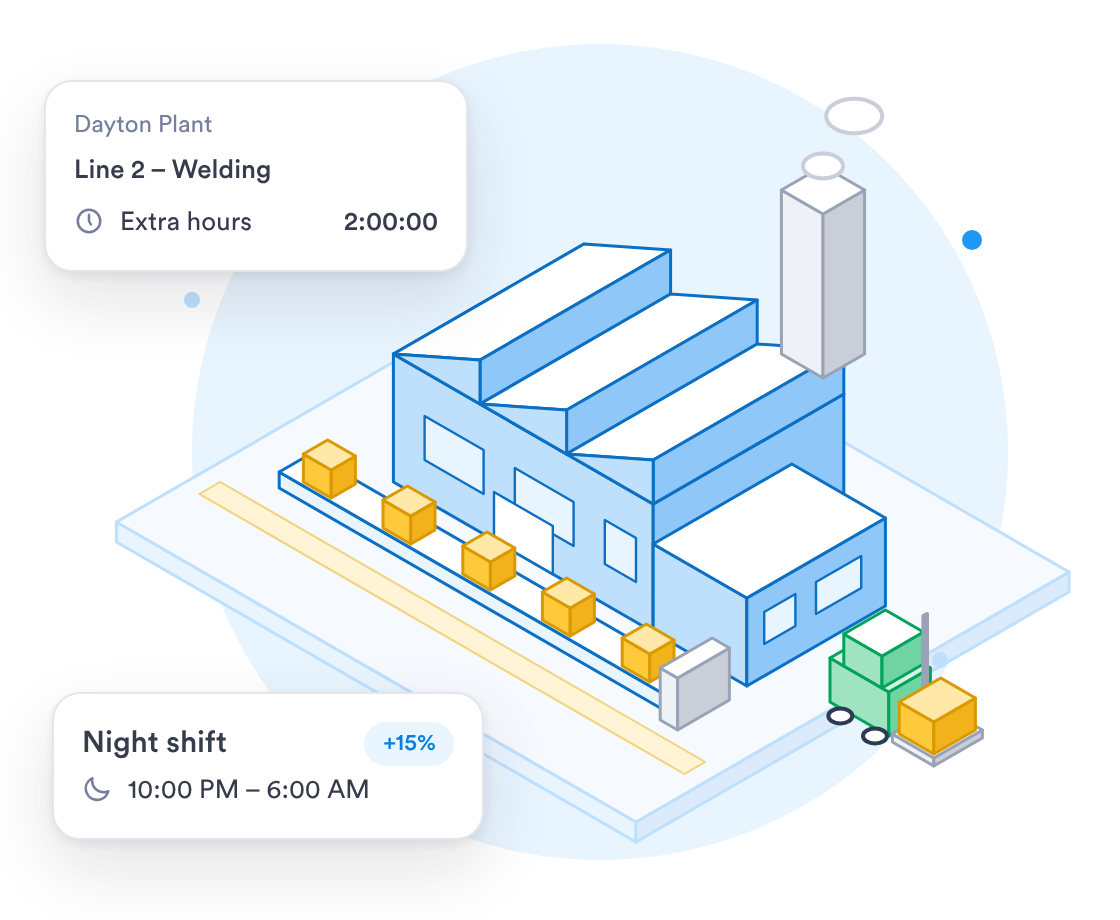
Plants run on shift patterns and overtime rules. Day.io keeps the hours right for each one.
Night premiums, weekend rates and overtime by day or by week, including the 44-hour week, set in a pay policy per group.
Explore →Gaps in the plant's connection don't stop clock-ins. Entries sync once the connection is back.
Shift schedules for your plant →Face or PIN on the tablets at each entrance, with the device recorded on every punch.
Explore →
















See who is on the clock, who is on overtime and who is missing at each plant.
On the Business plan, live dashboards show attendance and overtime for each team and site.
Set overtime, night and stat holiday rates once for each group of employees.
Phones and shared tablets keep recording offline, with the real clock-in time kept.
Each clock-in is checked against the pay policy for that group, then exported for whoever does your payroll.
Night and weekend hours pick up the rates in each group's pay policy, every pay period.
Track who is in across every line and site, and spot gaps before a shift starts.
Give each agreement its own overtime tiers, night rates and stat holiday rates.
When you work with a specialist, the rollout follows your shift patterns and union agreements.
Talk to a specialist about how your shifts and pay policies would be set up.
A tablet at each entrance to the floor works as a kiosk, with a PIN or face check.
Upload your employee list as a CSV file instead of adding people one by one.
What the rollout looks like for a manufacturer running several shifts.
We write down each shift pattern and union agreement before anything is set up.
Pay policies and tablets are set up, then tested against a real week of shifts.
Run one line or shift for a pay period, adjust, then add the rest.
Every line and shift clocking in on Day.io, with supervisors shown how to approve hours.
SOC 2 Type 2 security, and a record of every edit if an employee or an employment standards officer ever asks.
Security controls checked by an independent auditor.
Each edit keeps the original clock-in, and each export records who ran it.
Roles scoped by team, department or company.
An edited clock-in never overwrites the original record.
Uptime backed by a service level agreement.
Day.io carries the GDPR Ready badge.
Sign in through your identity provider on the Enterprise plan.
Email support@day.io for help with setup, pay policies or exports.
Security and privacy standards you can check before you sign up.
Audited controls for security, availability and confidentiality.

Day.io carries the GDPR Ready badge.
Export approved hours to Excel or CSV, or send them through one of our payroll integrations.




See labour cost and attendance by line, shift or plant in real time, and export straight into payroll.